Prompts on Any Website
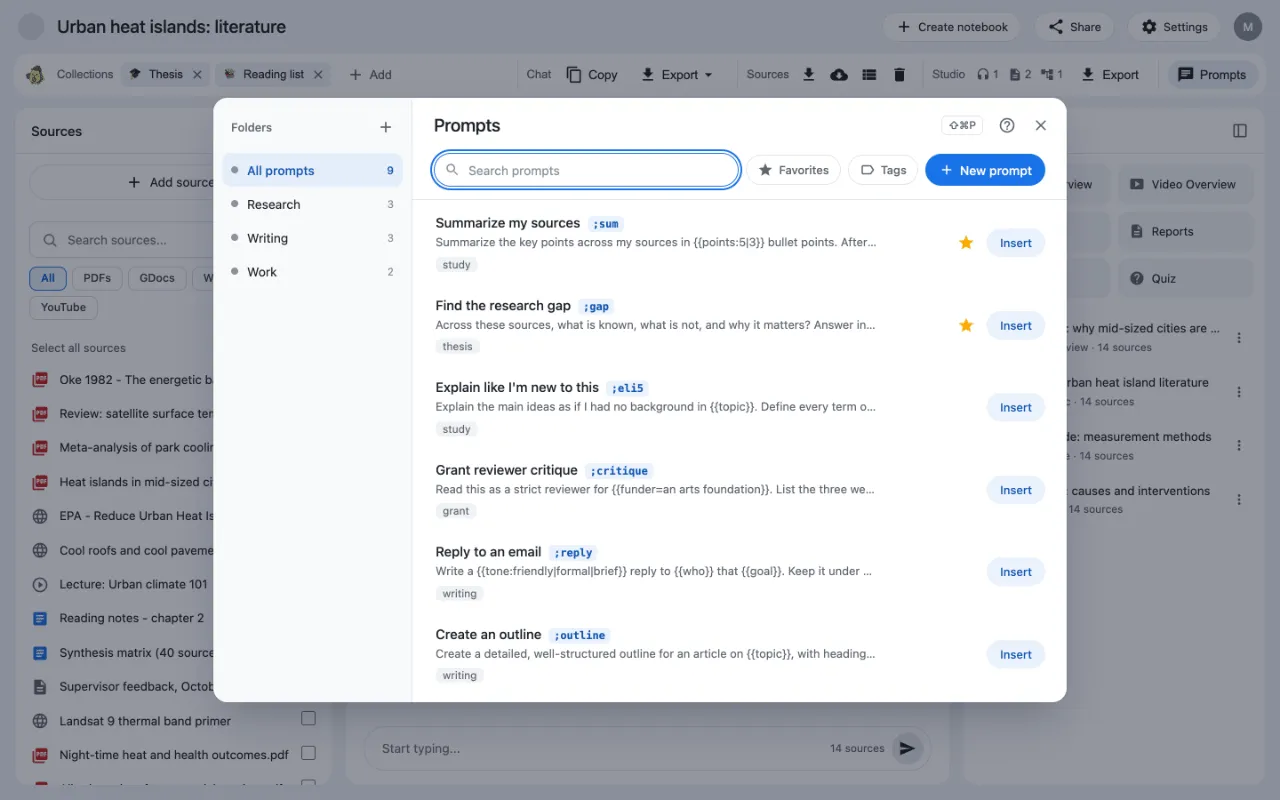
The prompt panel shows your saved prompts on almost any website. Press Ctrl+Shift+P on Windows or ⌘⇧P on a Mac, pick a prompt, and Kortex puts it where you were typing. It works in support chats, forms and emails too.

Why use the prompt panel?
Not every chat box has a ; menu. The prompt panel works on other sites too, such as a support chat, a form or an email.
How to open the prompt panel
- Click where you want to type.
- Press
⌘⇧Pon a Mac, orCtrl+Shift+Pon Windows. - Your prompts open in a panel. Use the search box, folders or tags to find one.
- Click Insert. The prompt goes where you were typing.
If Kortex cannot find a place to type, the button says Copy instead. Click it, then paste the prompt yourself. Press the same keys again to close the panel.
What else the panel does
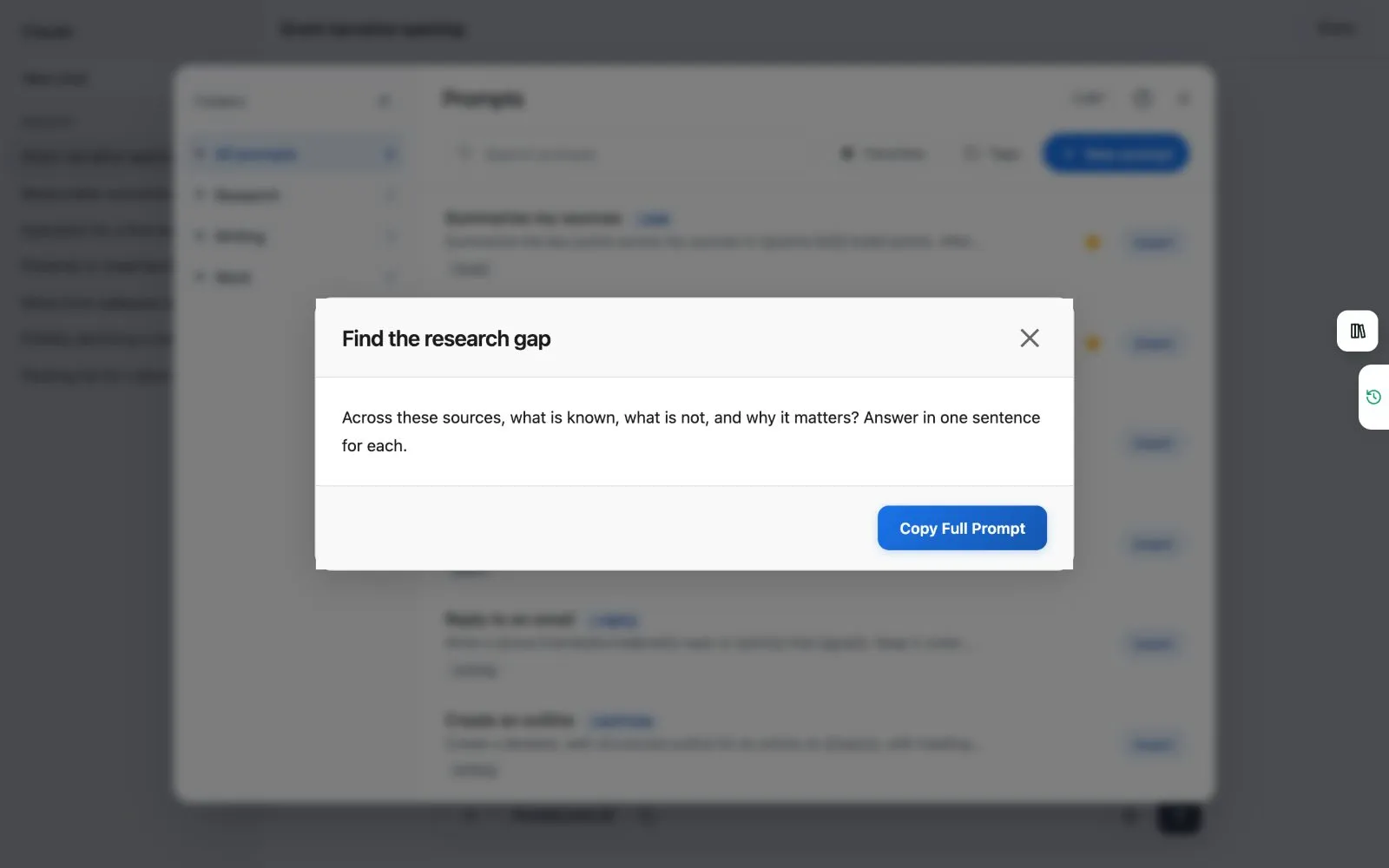
- Preview shows a prompt in full, with a copy button.
- The more button on a prompt lets you preview, edit or delete it.
- You can make folders and filter by tags.
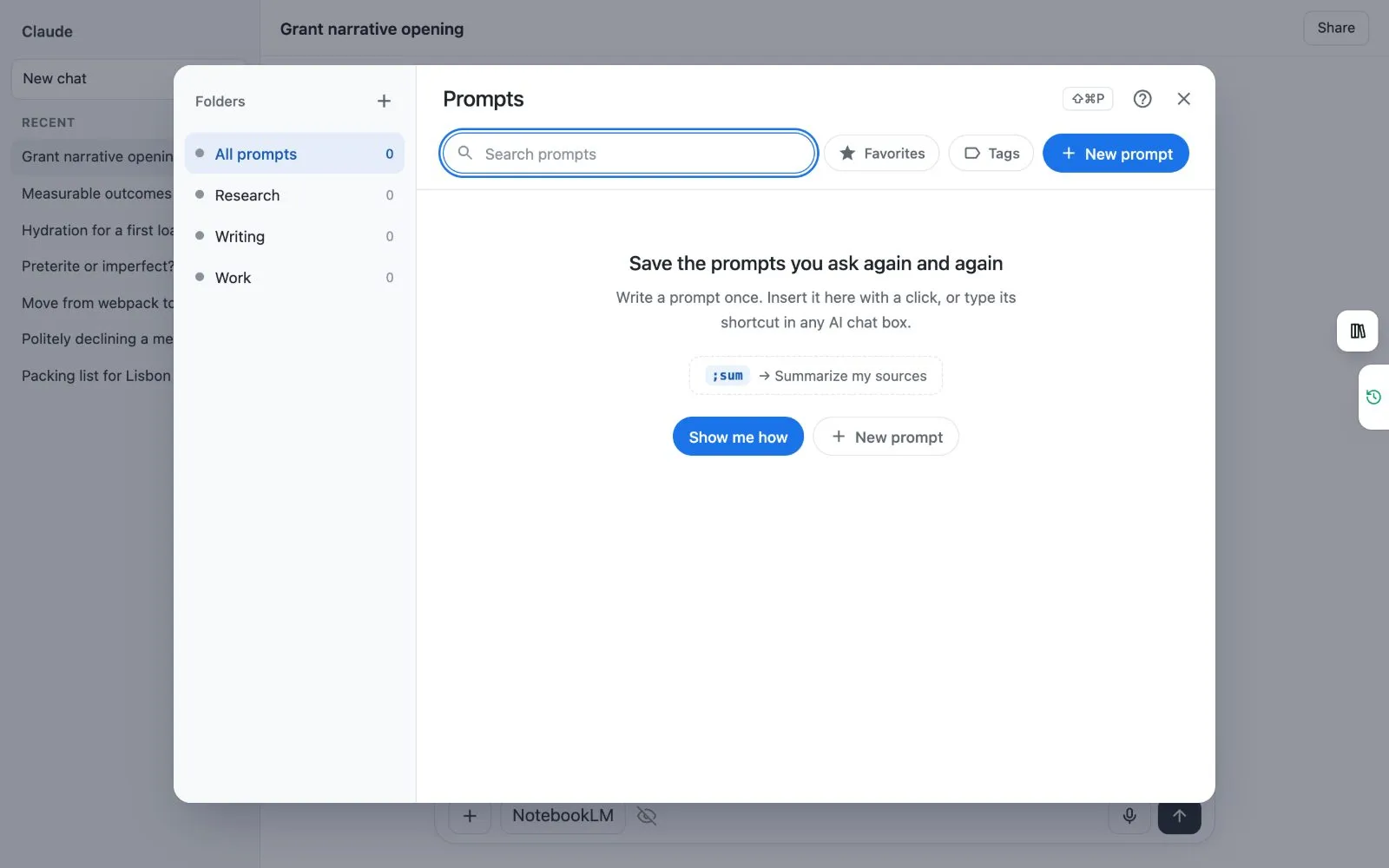
- The first time, a short tour helps you save your first prompt.
How do I change the keys?
- Type
chrome://extensions/shortcutsin the address bar and press Enter. - Find Kortex. Click the box beside Open your Kortex prompts on any page and press the keys you want.
On Chrome's own pages, which begin with chrome://, the keys open the dashboard's Prompts page instead.
Right-click menus
Save selection as a Kortex prompt
- Select some text on any page.
- Right-click it and choose Save selection as a Kortex prompt.
- The Library opens a new prompt with the text already in it. Add a title and a shortcut, then save.

Insert a Kortex prompt
- Right-click in a chat box on an AI site.
- Choose Insert a Kortex prompt. It lists the 15 you used most recently.
- Click one. It goes in the chat box.
Use a Kortex prompt on the selection
Select text on any page, right-click, and choose Use a Kortex prompt on the selection. Your selection, the page title and its address fill the built-in blanks. The prompt goes into the chat box on this page, or into a new chat on the AI you used last.
- The panel's ? button walks you through your first prompt.
Related: Prompt shortcuts, The Prompts button on Gemini Notebook.