Collections
Collections are folders for notebooks. Use them to create lanes for projects, workflows, and playlists.
Video walkthrough
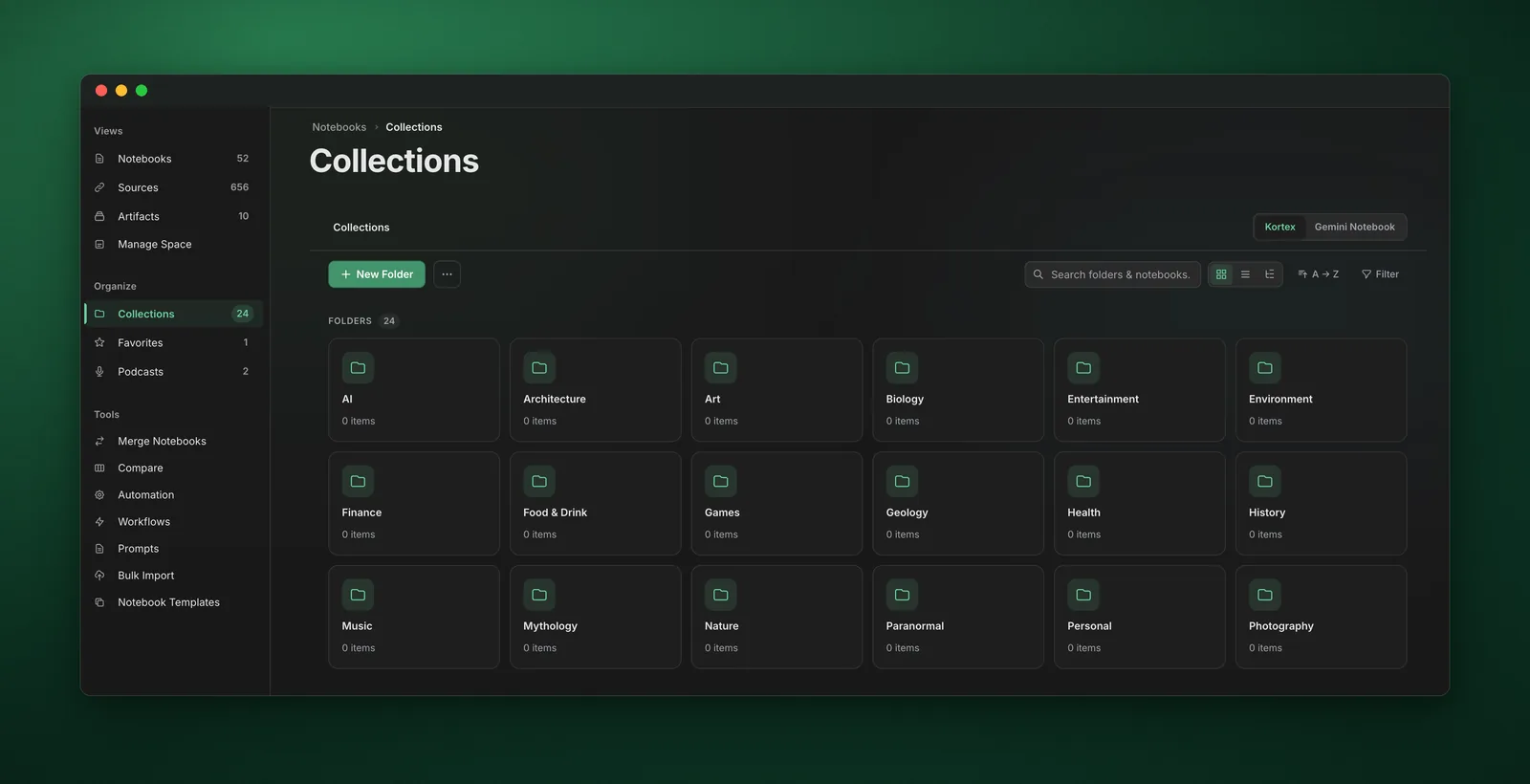
What Collections Are For
- Project grouping - Keep related notebooks together
- Workflow lanes - Inbox → Active → Archive
- Audio lanes - Use a collection as a podcast queue via The Pipeline
- Standardization - Trigger templates or artifacts when notebooks enter a collection
Common Collection Patterns
- Inbox / Active / Archive - A simple lifecycle for everything you save
- Topics - Health, Finance, Career, Learning
- Clients - One collection per client
- Media Queues - Daily Read, Commute Queue, Workout Queue
How Collections Work With Automation Rules
- Auto-file with tags - Smart Sort can move notebooks into a collection when you apply a tag
- Auto-create structure - Template Engine can create notes when a notebook enters a collection
- Auto-generate audio - The Generator can generate audio when a notebook is added to a collection
- Auto-queue audio - The Pipeline can send notebooks in a collection to a podcast feed
Example: Collection as a Listening Queue
- Create a collection: Daily Read
- Enable The Generator: when notebook enters Daily Read → generate audio
- Enable The Pipeline: Daily Read → Podcast Morning Commute
- Enable The Cleaner: finished episode → remove it
Pro Tips
- Use collections as triggers - they’re easier to reason about than many overlapping tags
- Keep names action-oriented - To Read, To Write, Deliver This Week
- Don’t over-nest - a few high-signal collections beat dozens of micro-folders