Sync All Google Docs Button
Automatically sync all Google Docs sources in your Gemini Notebook to get the latest content.
Video walkthrough
What It Does
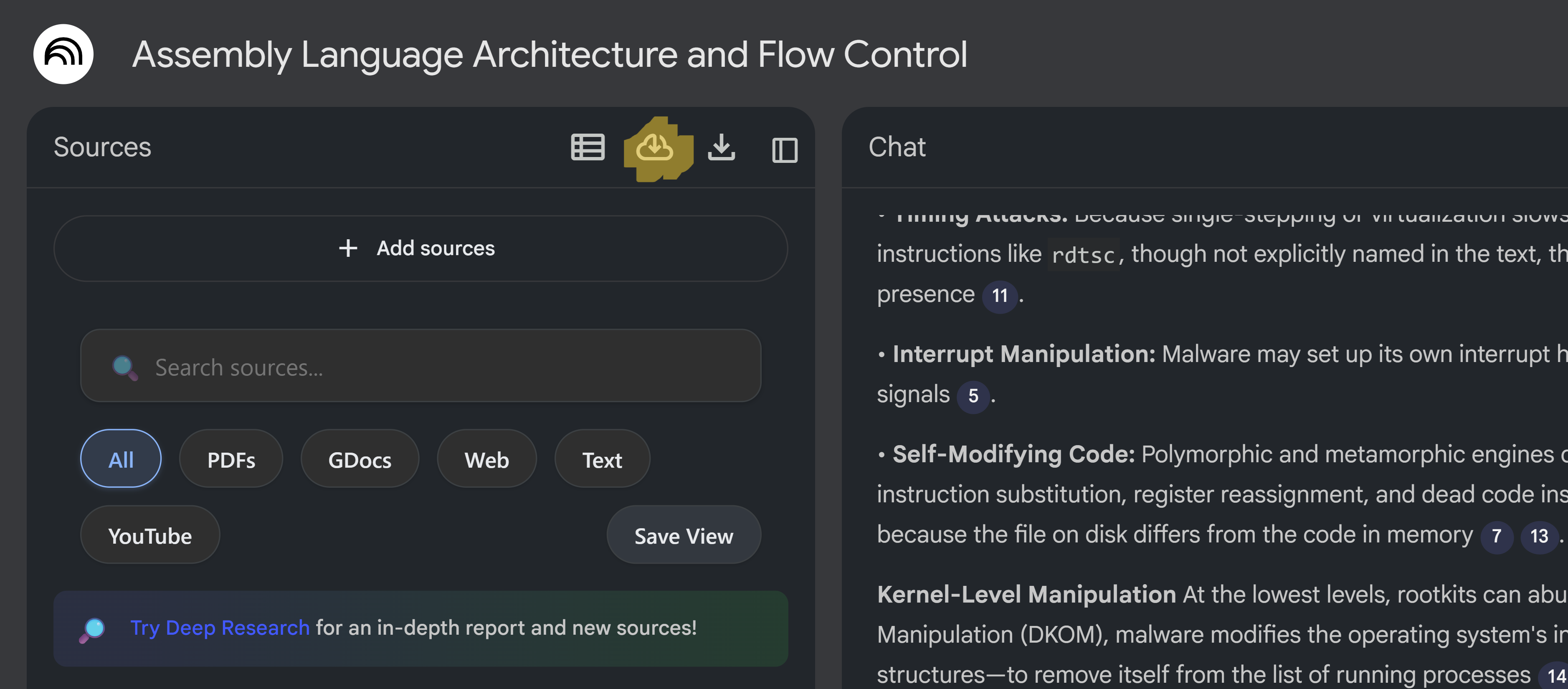
This button appears in the source panel header when you have Google Docs sources in your notebook. It automatically updates all Google Docs sources to their latest versions.
How to Use
- Open a notebook that contains Google Docs sources
- Look for the sync icon (cloud_download) in the source panel header
- Click the "Sync All GDocs" button to sync all Google Doc sources
- The page will automatically reload after syncing completes
- All Google Doc sources will be updated with the latest content
When to Use
- When you've edited your Google Docs and want to update Gemini Notebook
- Before generating new artifacts to ensure they use the latest content
- When collaborating with others who are updating shared docs
Availability
- Basic: Feature not available (locked) — Basic users see a locked button that prompts them to upgrade
- Pro: Unlimited syncs (feature fully available)
Pro Tips
- Sync regularly to keep your notebook up-to-date
- You can also sync individual docs from the dashboard
- Google Docs sync requires a paid plan