All Artifacts
Access and download all artifacts (notes, study guides, briefings) from all your notebooks.
Video walkthrough
What It Does
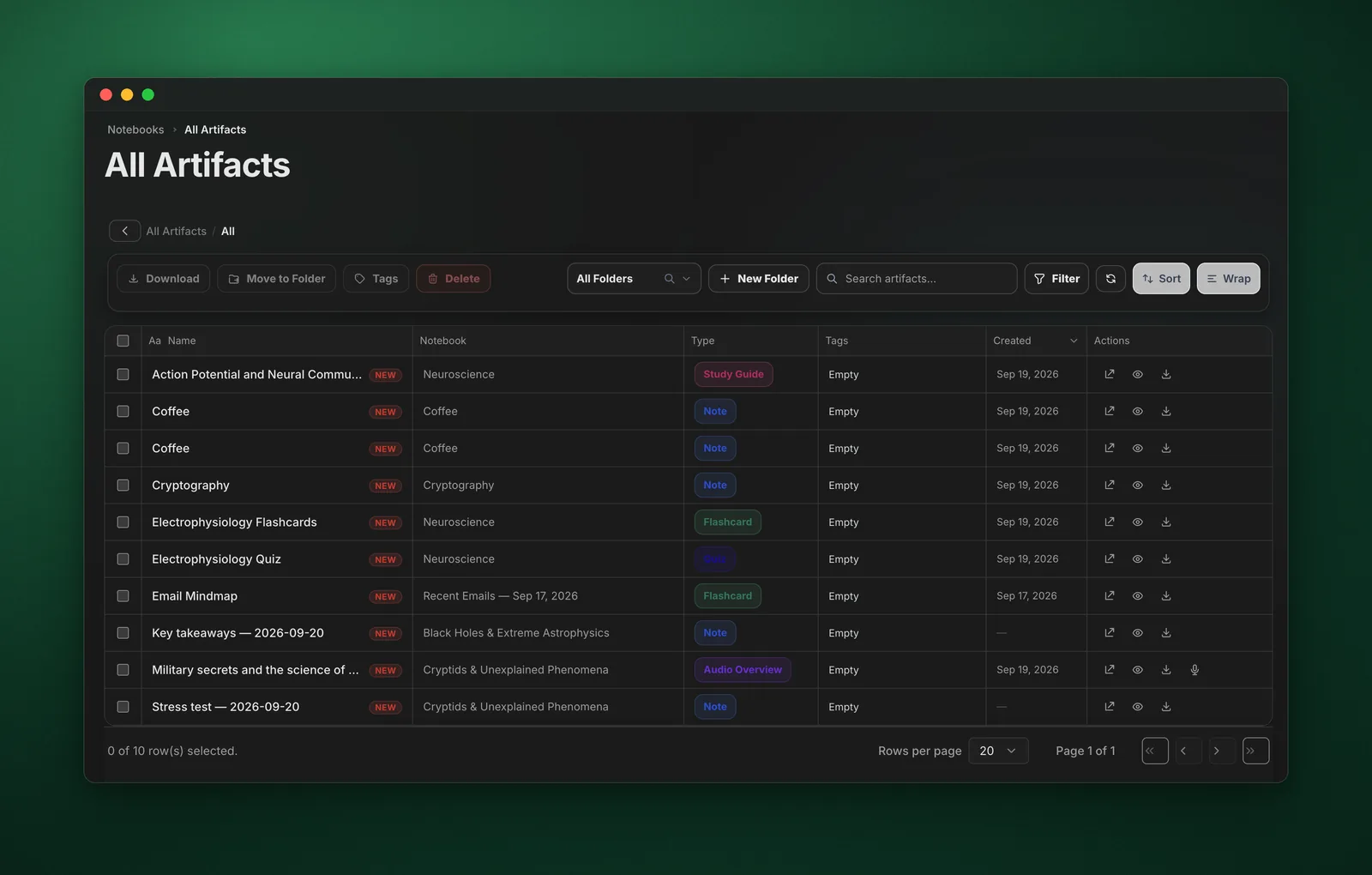
The All Artifacts view shows all artifacts generated across your notebooks, including notes, study guides, briefings, FAQs, timelines, and more.
Features
- Global Search - Search across all artifacts
- Folder - Organize artifacts into folders
- Filter by Type - Notes, study guides, briefings, FAQs, etc.
- Filter by Notebook - See artifacts from specific notebooks
- Download All - Download all artifacts in various formats
- Preview - Preview artifacts before downloading
How to Use
- Click "All Artifacts" in the dashboard sidebar
- Browse or search for artifacts
- Use filters to find specific types
- Click on an artifact to preview it
- Use "Download All" to export all artifacts
Supported Artifact Types
- Notes
- Study Guides
- Briefing Documents
- FAQs
- Timelines
- Tables of Contents
- Custom artifacts
Pro Tips
- Download all artifacts regularly for backup
- Use filters to find artifacts by type or notebook
- Preview before downloading to verify content
- Export in ZIP format to keep artifacts organized