Merge Notebooks
Combine multiple Gemini Notebooks into a single unified notebook.
Video walkthrough
What It Does
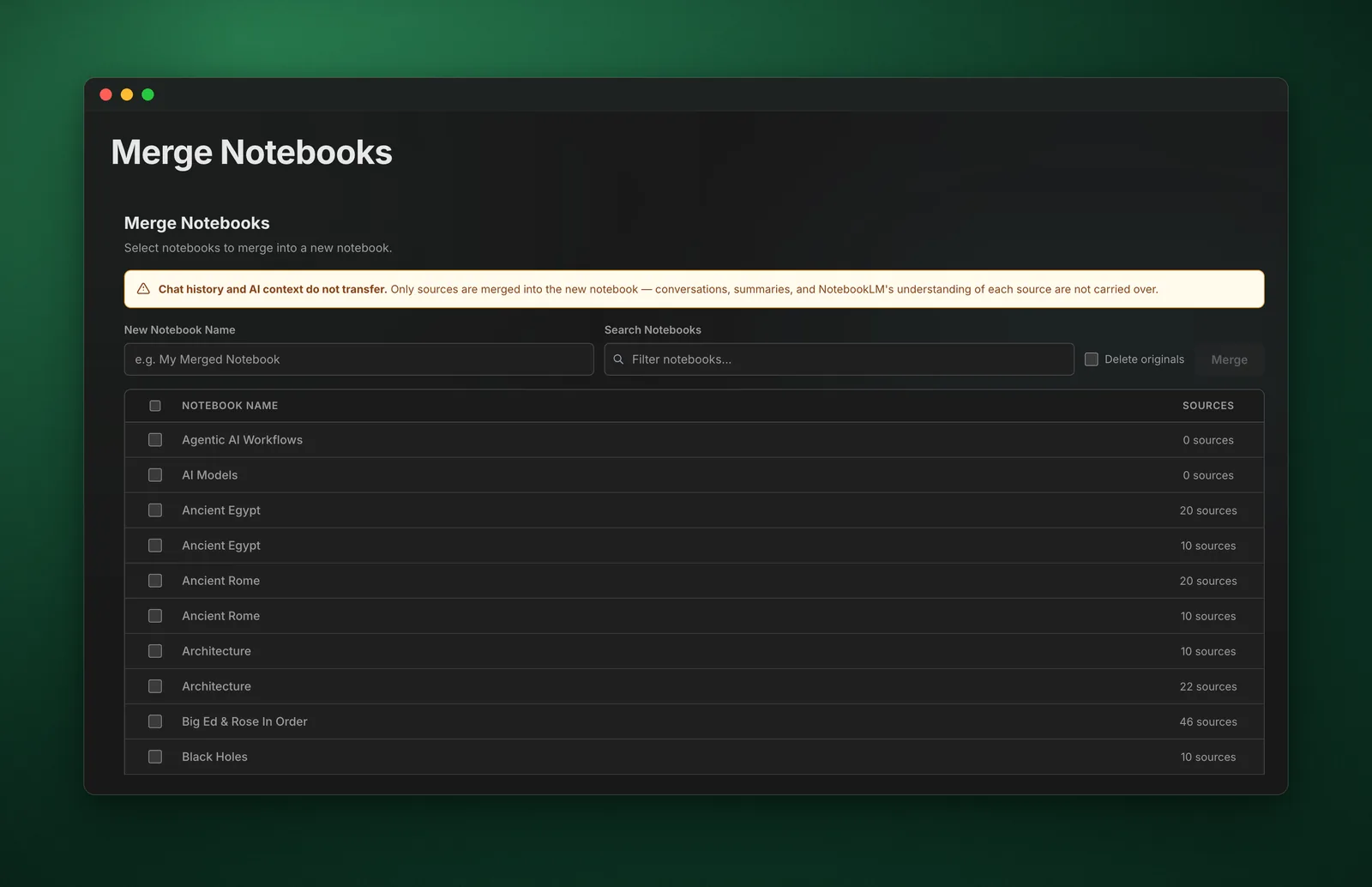
The Merge Notebooks feature allows you to combine multiple notebooks into a new notebook, perfect for consolidating research or creating comprehensive knowledge bases.
How to Use
- Click "Merge Notebooks" in the dashboard sidebar
- Select the notebooks you want to merge
- Choose a name for the new merged notebook
- Click "Merge" to create the new notebook
- Wait for the merge to complete
Use Cases
- Consolidating research from multiple projects
- Creating comprehensive study guides
- Combining related topics into one notebook
- Archiving completed projects
Pro Tips
- Always keep original notebooks until you verify the merge
- Use "Remove Duplicates" to avoid redundant sources
- Merge related notebooks for better AI responses
- Consider notebook size limits when merging