Prompts Library
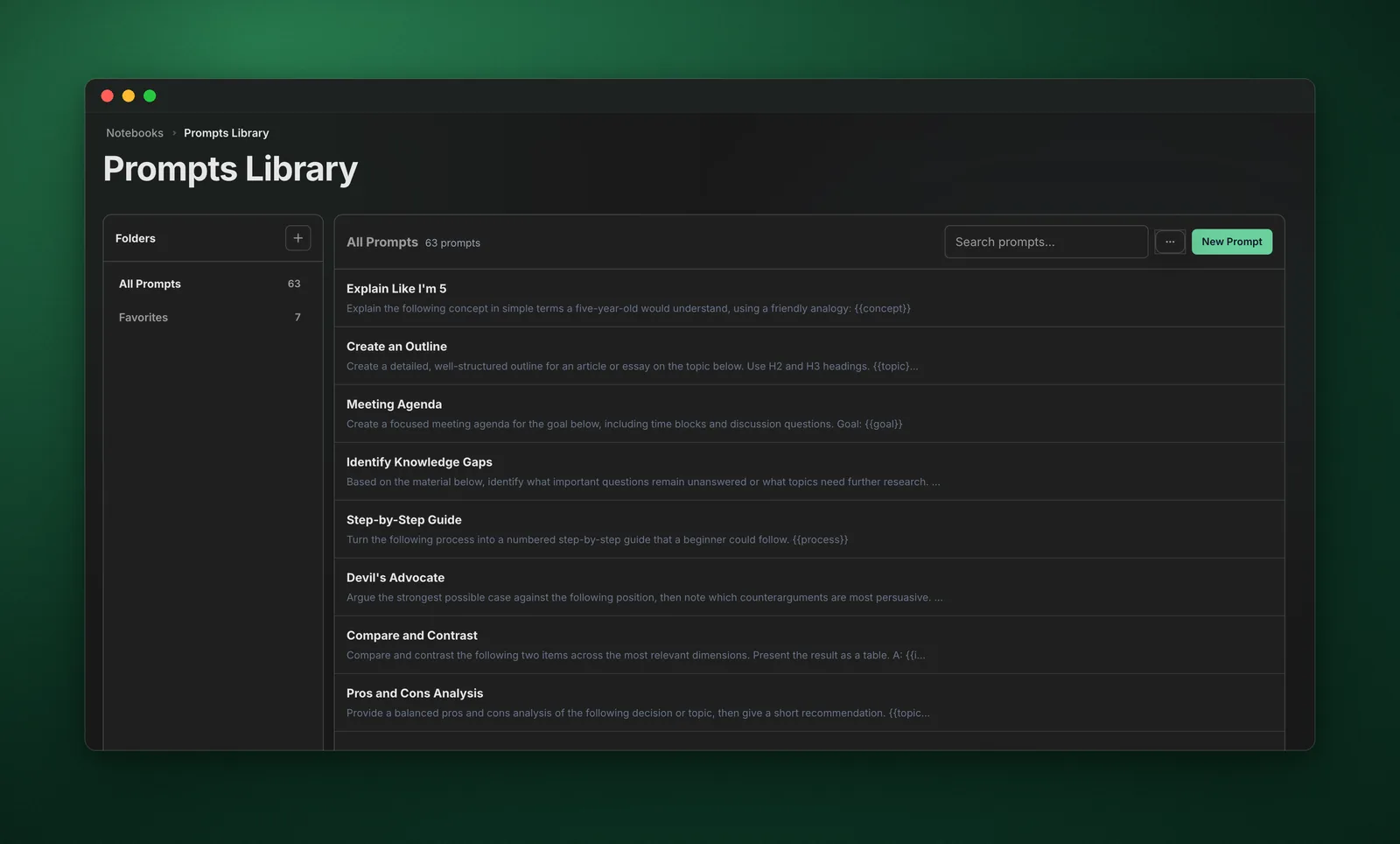
Manage and organize all your saved prompts in one centralized library.
Video walkthrough
What It Does
The Prompts Library is your central hub for managing saved prompts. Organize prompts into folders, add tags, and quickly find the perfect prompt for any situation.
Features
- Folders - Organize prompts into categories
- Tags - Add tags for cross-category organization
- Search - Quickly find prompts by name or content
- Favorites - Mark frequently used prompts
- Edit & Delete - Manage your prompt collection
- Quick Insert - Copy prompts to clipboard with one click
How to Use
- Click "Prompts Library" in the dashboard sidebar
- Browse prompts by folder or use search
- Click "Add New Prompt" to create a prompt
- Organize prompts into folders
- Add tags for better discoverability
- Click on any prompt to copy it to clipboard
Organizing Prompts
- By Purpose - Research, Writing, Analysis, Study
- By Subject - Science, History, Business, etc.
- By Complexity - Simple, Detailed, Expert-level
- By Output Type - Summaries, Lists, Essays, etc.
Pro Tips
- Create folders for different use cases
- Use tags to create cross-folder connections
- Favorite your most-used prompts
- Include placeholders like [TOPIC] in prompts
- Regularly review and update your prompt library