Moving context between AIs
You can start a new chat on another AI with what the last one decided, without pasting the whole thing. Kortex builds a handoff pack from your saved chat. You read and edit each pack before it goes in.
Why move context between AIs?
- A chat got long and you want a fresh start that still knows the plan.
- Another AI is better at the next step. It needs the background first.
How to continue in another AI
- Open a chat's ⋯ menu, in the Library or on the Kortex tab.
- Choose Continue in another AI…. Kortex builds a handoff pack: what the chat decided, what is still open, the key facts, your pins and note, and where it stopped. Every line links to the message it came from.
- Pick the AI. Read and edit the pack. You can add short summaries of related chats from other AIs.
- Confirm. A new chat opens there with the pack in the chat box.

Nothing in the pack is written by a model. It is the chat's own sentences.
Commands in a chat box
Type ; in any AI's chat box. A menu opens with your saved prompts and these commands.

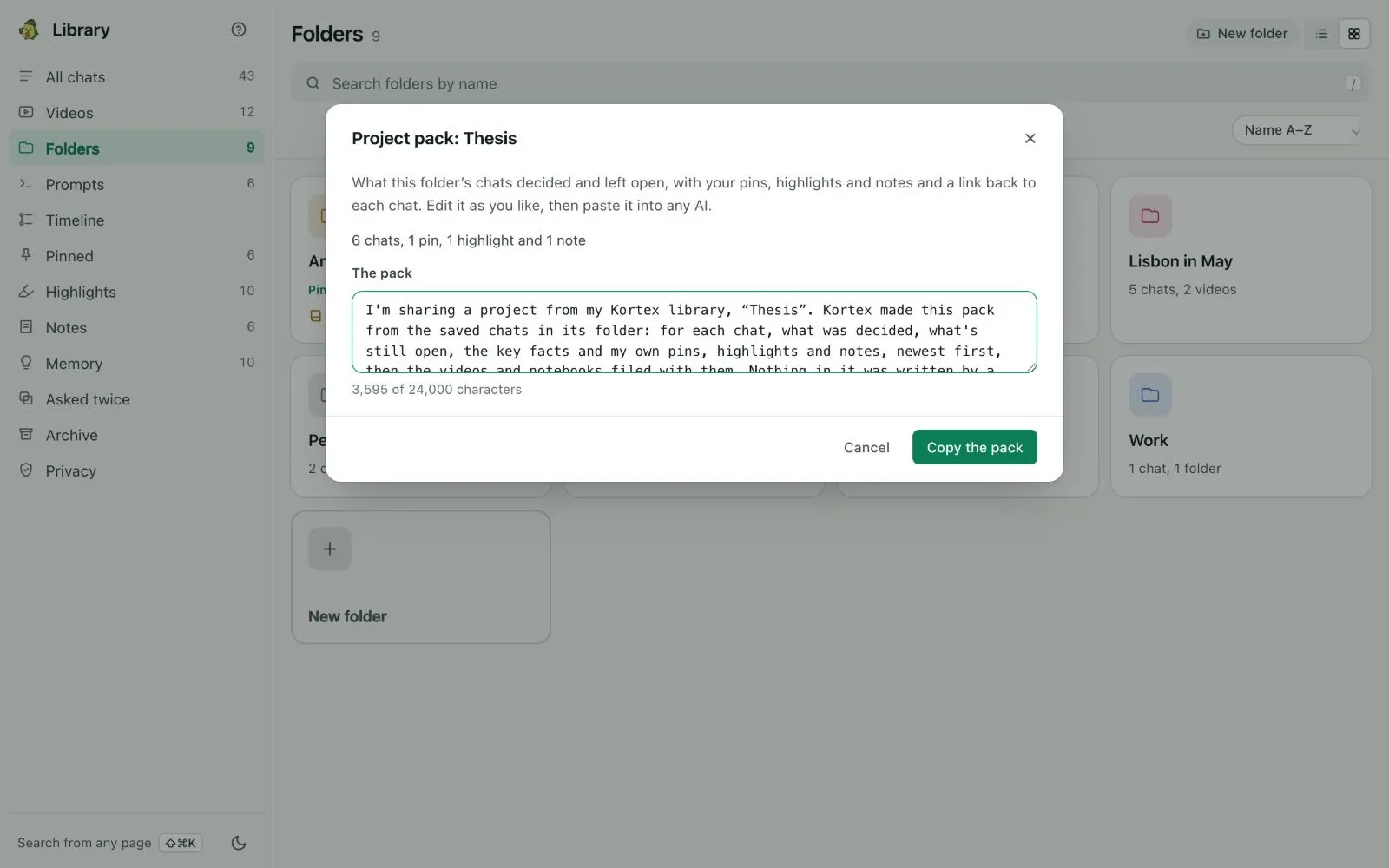
;reflists past chats from any AI, the closest in meaning to your draft first. Type words after it to search. Picking one puts in the passage that matters, with a link back.;meadds your Memory facts as a short about-me pack.;packand a folder's name adds what that folder's chats decided.;askand a question asks the notebook that fits best and puts the cited answer in the chat box. This one is not on every plan: see pricing.


In the Library, Copy as an about-me pack (in Memory) and Copy as a project pack (in a folder's menu) do the same as ;me and ;pack.
Out of the Library
- Send to a notebook… adds a chat to a Gemini Notebook notebook as a text source.
- Download as Markdown and Download as PDF save a chat to a file on this computer.
- Open in Google Docs copies the chat, formatted, and opens a new Google Doc to paste it into.
- Save to Notion copies a chat to a Notion page you choose, with its messages and your note, pins and highlights. Saving it again updates the same page.


On the free plan
You can move context 3 times a week. Continue in another AI…, ;ref, ;pack and ;me share those 3. When they are used, a line says when they come back. Pro has no limit. See the free plan and the trial.
Good to know
- Everything here follows the Library's privacy rules: private folders stay out, likely secrets are masked before anything leaves, and each send is listed.
- The first time you use Save to Notion, Kortex asks you to connect your workspace.