Now
Now is a Kortex dashboard page that shows what is happening in your Gemini Notebook (formerly NotebookLM) library right now. It lists what is running, what failed or needs you, and how many notebooks, sources and artifacts you have.
This needs Kortex Pro. See pricing.

Why use Now?
It is like the dashboard of a car. You glance at it and know if everything is fine. You do not have to hunt through pages to find a job that got stuck.
What you see
At the top, a sentence sums it up, such as "2 things running, 1 thing needs you". Under it are four boxes.
- In flight: jobs that are running now, such as a workflow or an Audio Overview being made.
- Needs you: jobs that failed or are waiting for you. Look here first.
- Library: how many notebooks, sources, artifacts and collections you have.
- Agents: how many AI assistant keys are active, and when one last called. Click Manage to open the Agents page.
An agent is an AI assistant, like Claude, that you let work in your notebooks. See Agents and Workflows.
How do I open it?
- Open the dashboard.
- Click Now at the top of the sidebar.

If you are on the Basic plan
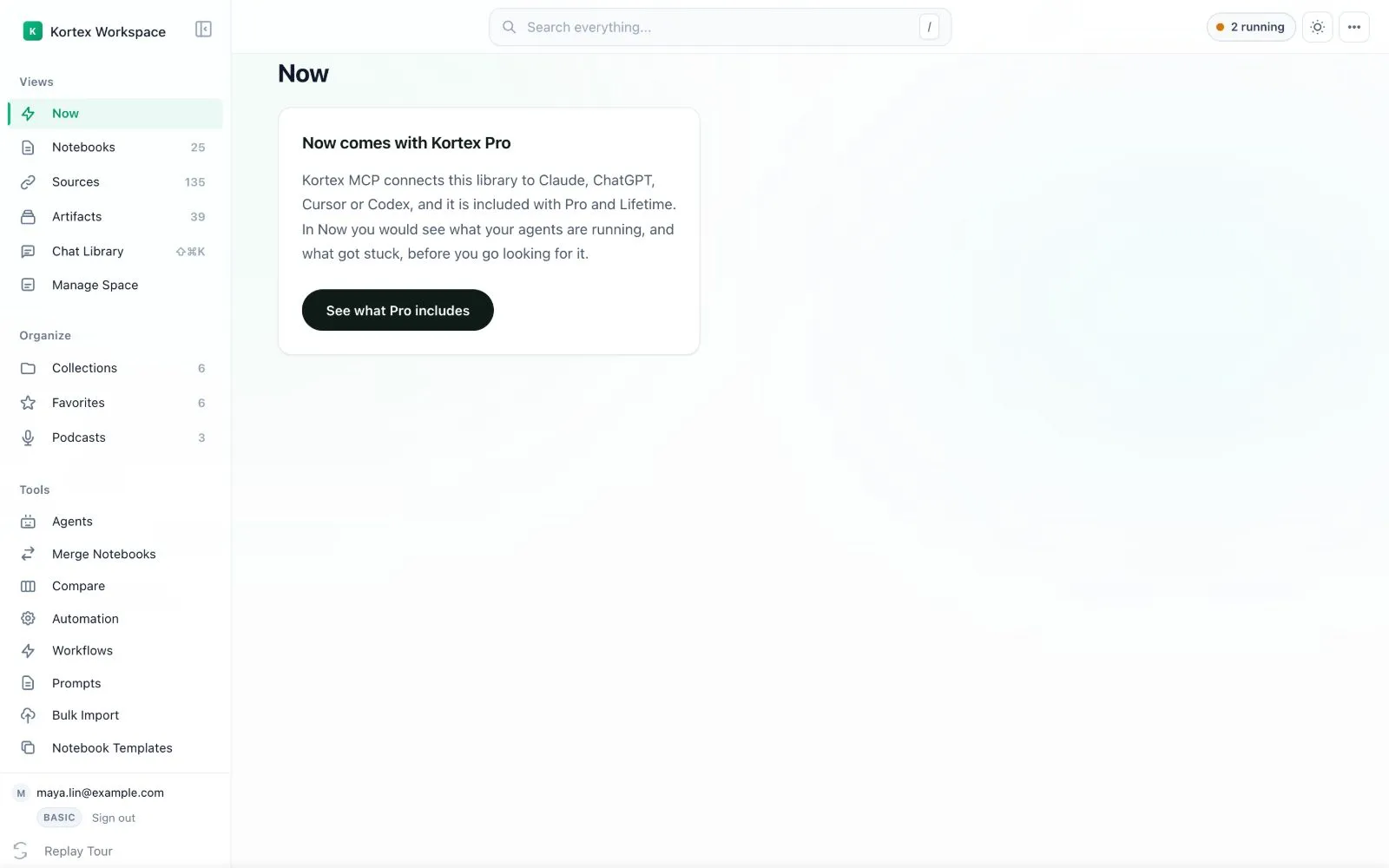
On the Basic plan you see a card that says Now comes with Kortex Pro. It explains what Now would show. Click See what Pro includes to read about Pro.
- Dismissing a row does not stop a job. It only hides the row.
- The same running jobs also show in the activity pill in the top bar.