Installation
How to install Kortex on Chrome
Chrome Installation
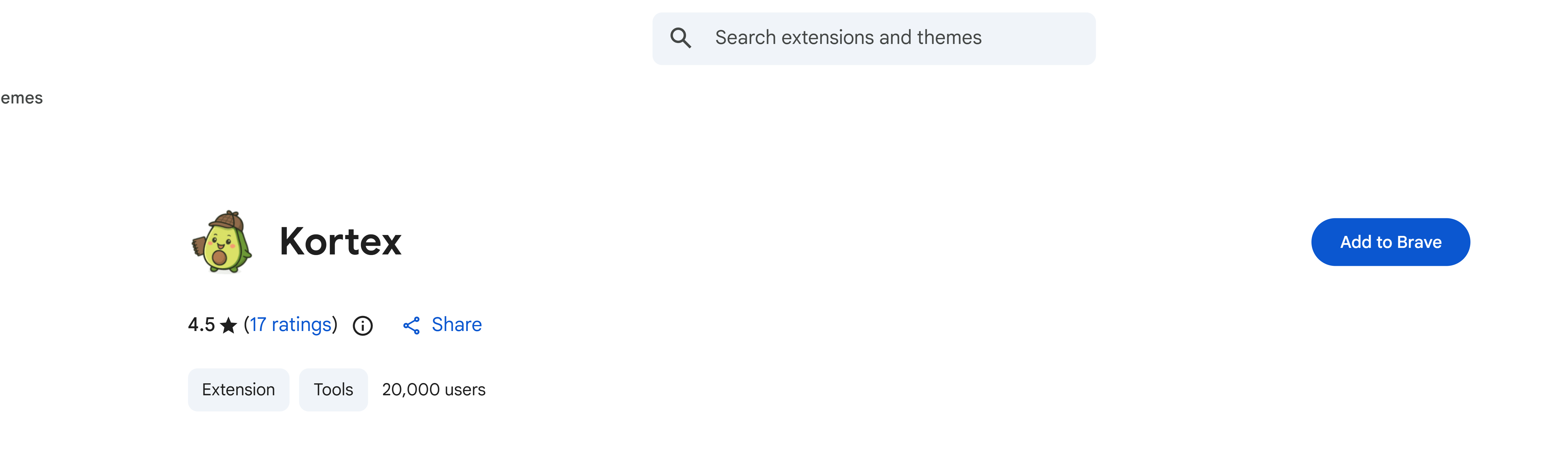
- Visit the Chrome Web Store
- Click "Add to Chrome"
- Confirm by clicking "Add extension" in the popup
- The extension icon will appear in your browser toolbar
First Time Setup
After installing Kortex:
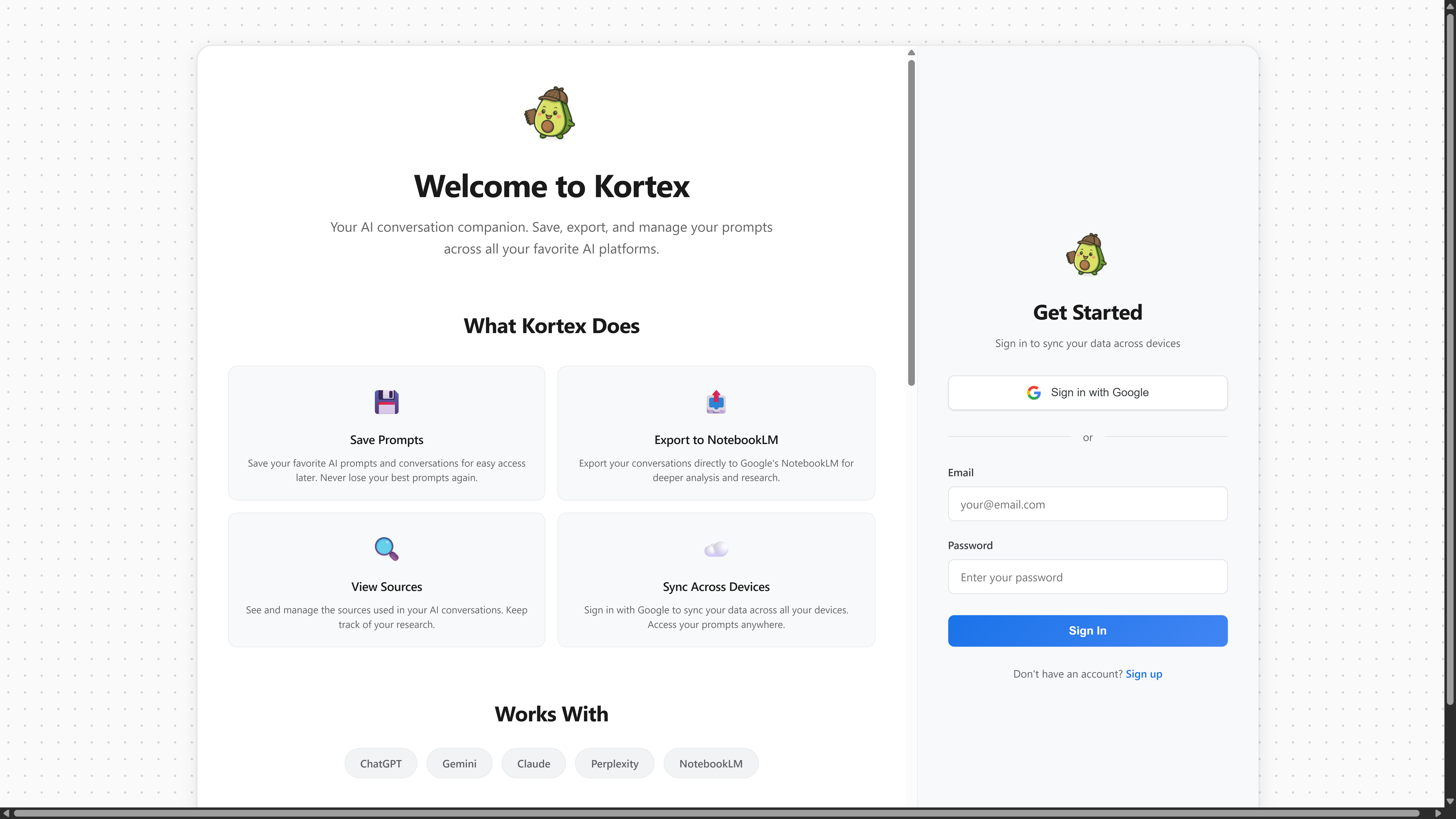
- A welcome page will open automatically
- Sign in with your Google account or create an account with email/password
- If using email/password, verify your email address
- After signing in, you're ready to start using Kortex!
Browser Compatibility
Kortex currently supports:
- Google Chrome (Recommended)
- Microsoft Edge (Chromium-based)
- Brave Browser
- Other Chromium-based browsers
Firefox support is coming soon.