Notebook Search Bar (Dashboard)
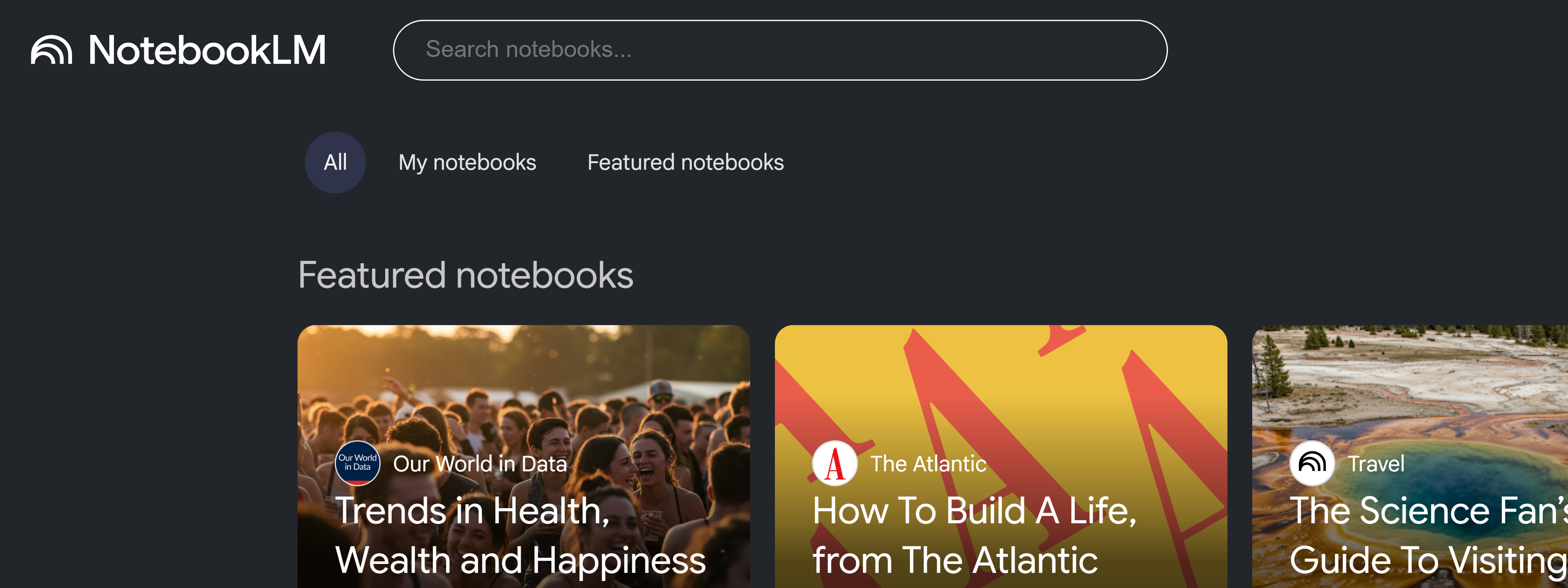
Quickly find notebooks on the Gemini Notebook dashboard.
Video walkthrough
What It Does
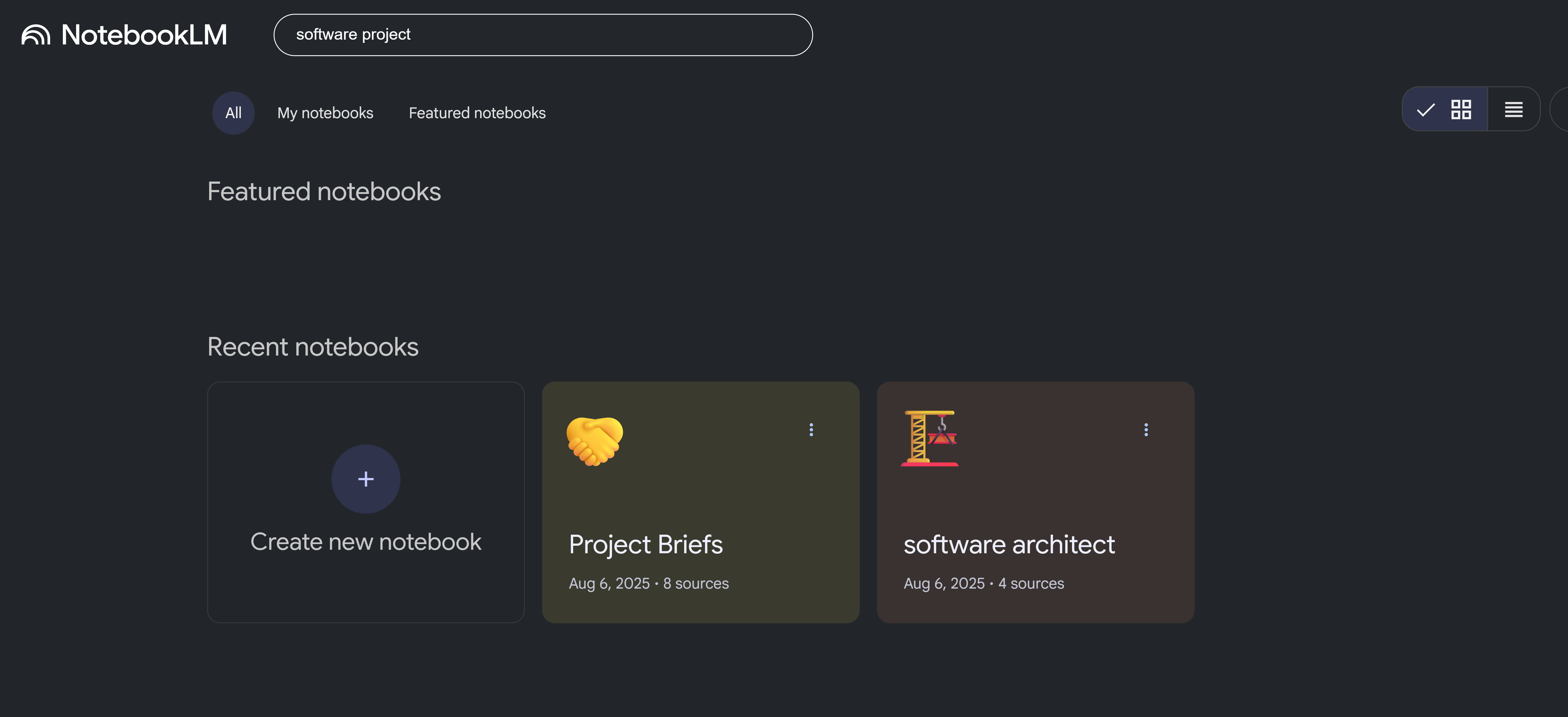
The Notebook Search Bar appears on the Gemini Notebook dashboard. It filters your notebooks in real-time as you type, making it easy to find specific notebooks when you have many.
How to Use
- Go to the Gemini Notebook dashboard (main page)
- Type in the search bar at the top
- Notebooks filter in real-time as you type
- Click on any notebook to open it
- Clear the search to see all notebooks again
Search Tips
- Search works on notebook titles
- Use multiple keywords to narrow results (e.g., "API design security")
- Search is case-insensitive
- Partial matches are shown (e.g., "api" matches "API Design")
- Results update instantly as you type
When to Use
- When you have many notebooks
- To quickly find a specific project
- To filter notebooks by topic or keyword
Features
- Real-time filtering: Results update as you type
- Theme-aware: Automatically adapts to dark/light mode
- Dashboard only: Search bar only appears on the dashboard
Note: This feature is available to all users (no subscription required).