Library privacy
The Kortex chat Library keeps your saved AI chats in a database inside Chrome on your own computer. Text from a chat leaves only when you send it, and the Privacy view lists every time it does.

What stays on my computer?
The Library is a database inside Chrome on this computer. Chats, videos, highlights, pins, notes and Memory facts stay there. Search, suggestions, Ask my chats and Write an answer all run on this computer. The meaning model behind search is downloaded once, from Hugging Face, and kept in Chrome.
- Notion. The sign-in token stays on this computer. Kortex's server only swaps Notion's sign-in code for the token and keeps neither. The Privacy view shows the connection.
- Zotero is read from the Zotero app on your computer.
- The Markdown copy writes files to a folder you chose on this computer, and downloads stay here too.
What leaves my computer, and when?
Chat text leaves only when you send it, through one of these:
- a handoff pack (Continue in another AI…),
;ref,;ask,;meor;packin an AI's chat box; - Send to a notebook…, a folder kept in sync with a notebook, the Kortex button on an AI site, or a highlight sent to a notebook;
- Open in Google Docs;
- Save to Notion;
- your own assistant reading the Library over Kortex MCP. A call reaches your extension through a short-lived job on Kortex's servers, which deletes itself about an hour later.
Three rules for every send
Private folders
To make a folder private, open its ⋯ menu and choose Make private…. Its chats and videos, and those in the folders inside it, stay on this computer. Kortex won't offer them in related chats or ;ref, or send them to another AI, a notebook, Google Docs or an MCP tool. Search in your Library still finds them, and you can still download them to a file. Turn off private in the folder's menu or the Privacy view undoes it.

Secrets are hidden first
Before text leaves, Kortex swaps what looks like an API key, token, private key, password or card number for a short label the other side still understands, such as [hidden API key]. Only keys with a known shape or a labelled field are masked, so ordinary words and placeholders stay as they are. The chat on your computer is not changed.

Every send is listed
The Library's Privacy view has a list, Sent from this computer. It shows each time Kortex sent chat text anywhere: when, where to, which chats and how many characters. The text itself is not kept. Downloads and copied packs are listed too, though they stay on this computer. The list keeps the last 90 days, up to 2,000 entries. Clear this list empties it.
The rest of Kortex
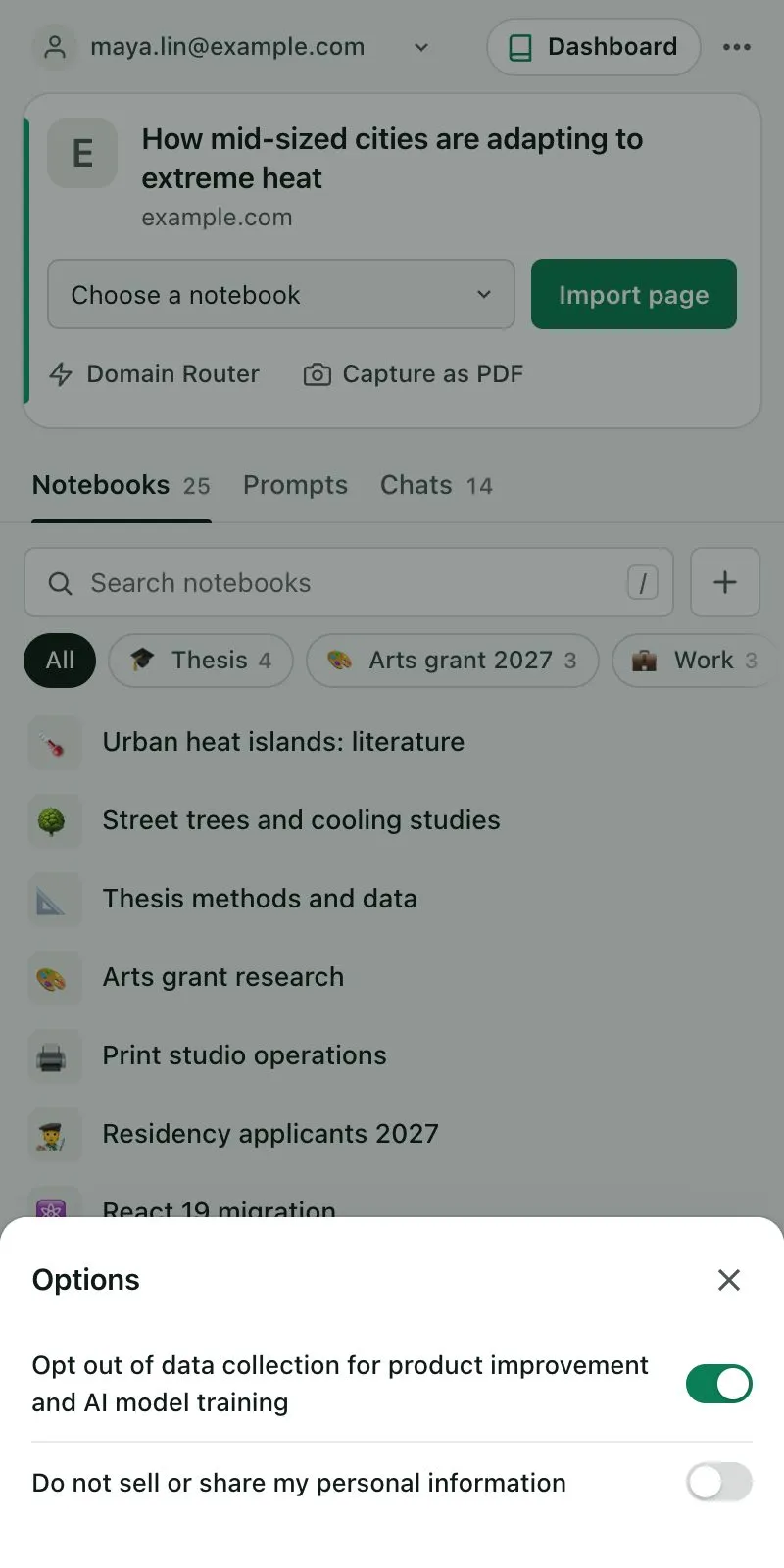
- Data collection. Kortex's data collection is a separate setting, described in the privacy policy. It covers page interactions and what is visible on the tab you are using, which can include a chat on screen. Turn it off under Options in the side panel's ⋯ menu.
- Your Kortex account. Your account is kept on Kortex's servers.
- Usage counts. Kortex counts how features are used, as numbers per day. Library events never carry chat titles, text or searches.