Sync All Google Docs (Pro-Only)
Automatically sync all Google Doc sources in a notebook with a single click. This Pro-only feature keeps your Google Doc sources up-to-date in NotebookLM.
If you haven't installed the extension in your browser, please install it first.
How it works
- Navigate to your NotebookLM notebook
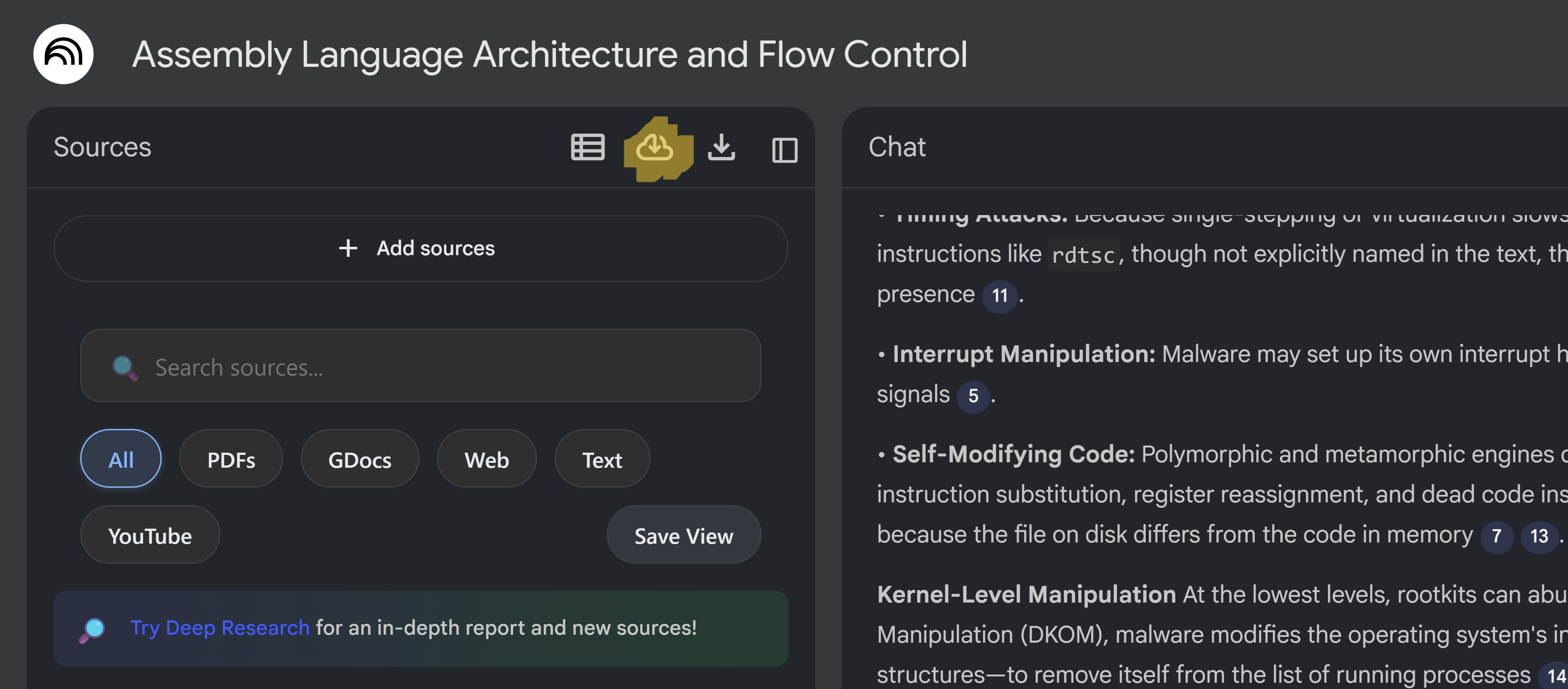
- Look for the sync icon (cloud_download) in the source panel header
- Click the sync button to sync all Google Doc sources
- The page will automatically reload after syncing completes
- All Google Doc sources will be updated with the latest content
Features
- One-Click Sync: Sync all Google Doc sources at once
- Visual Feedback: Button shows sync animation and success indicator
- Automatic Reload: Page reloads after sync completes to show updates
- Error Handling: Clear error messages if sync fails
- Pro-Only: Available exclusively to Pro tier subscribers
Availability
- Basic: Feature not available (locked)
- Lite: Feature not available (locked)
- Pro: Unlimited syncs (feature fully available)
Note: This feature syncs Google Doc sources to NotebookLM, ensuring the AI has access to the latest document content. Basic and Lite users will see a locked button that prompts them to upgrade.