Smart Search Notebooks
Quickly find notebooks on your dashboard using the built-in search functionality. Filter notebooks by name in real-time as you type.
If you haven't installed the extension in your browser, please install it first.
How it works
- Navigate to the NotebookLM dashboard (home page)
- A search bar appears in the page header
- Type to filter notebooks by name
- Notebooks matching your search will be displayed
- Clear the search to show all notebooks again
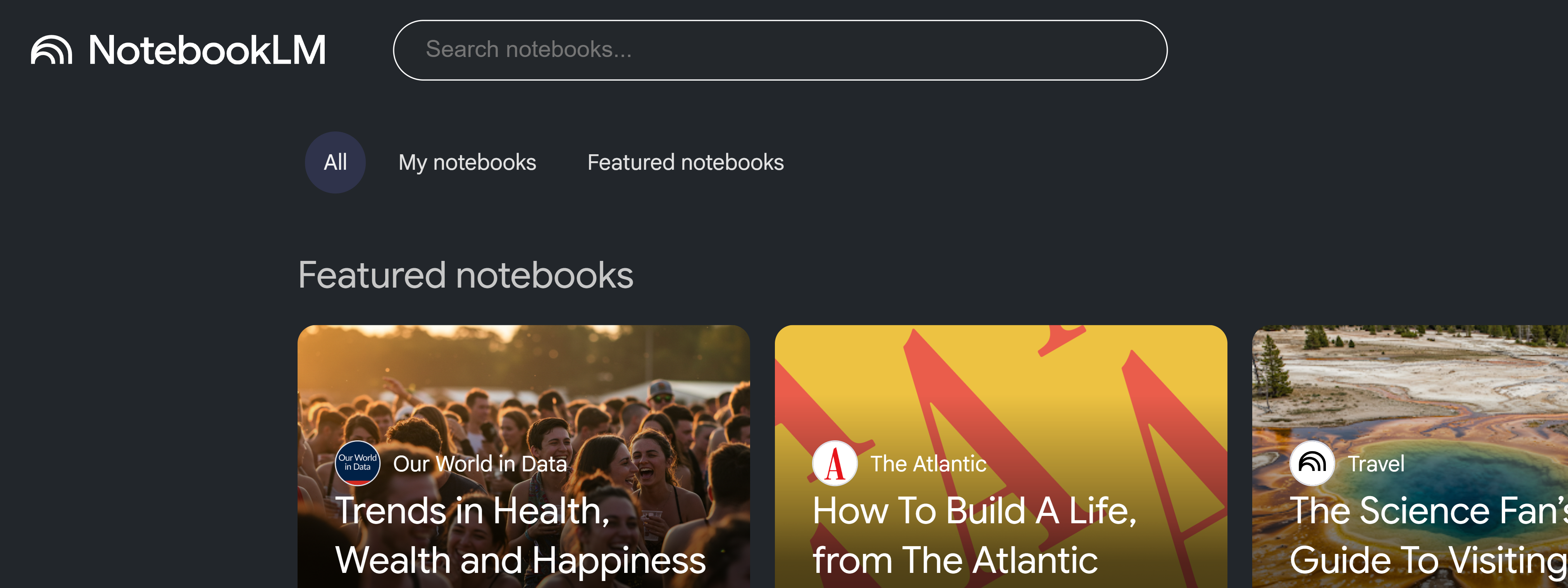
Features
- Real-time filtering: Results update as you type
- Multi-keyword search: Search with multiple words (space-separated)
- Theme-aware: Automatically adapts to dark/light mode
- Dashboard only: Search bar only appears on the dashboard
- Auto-cleanup: Search bar is removed when navigating away from dashboard
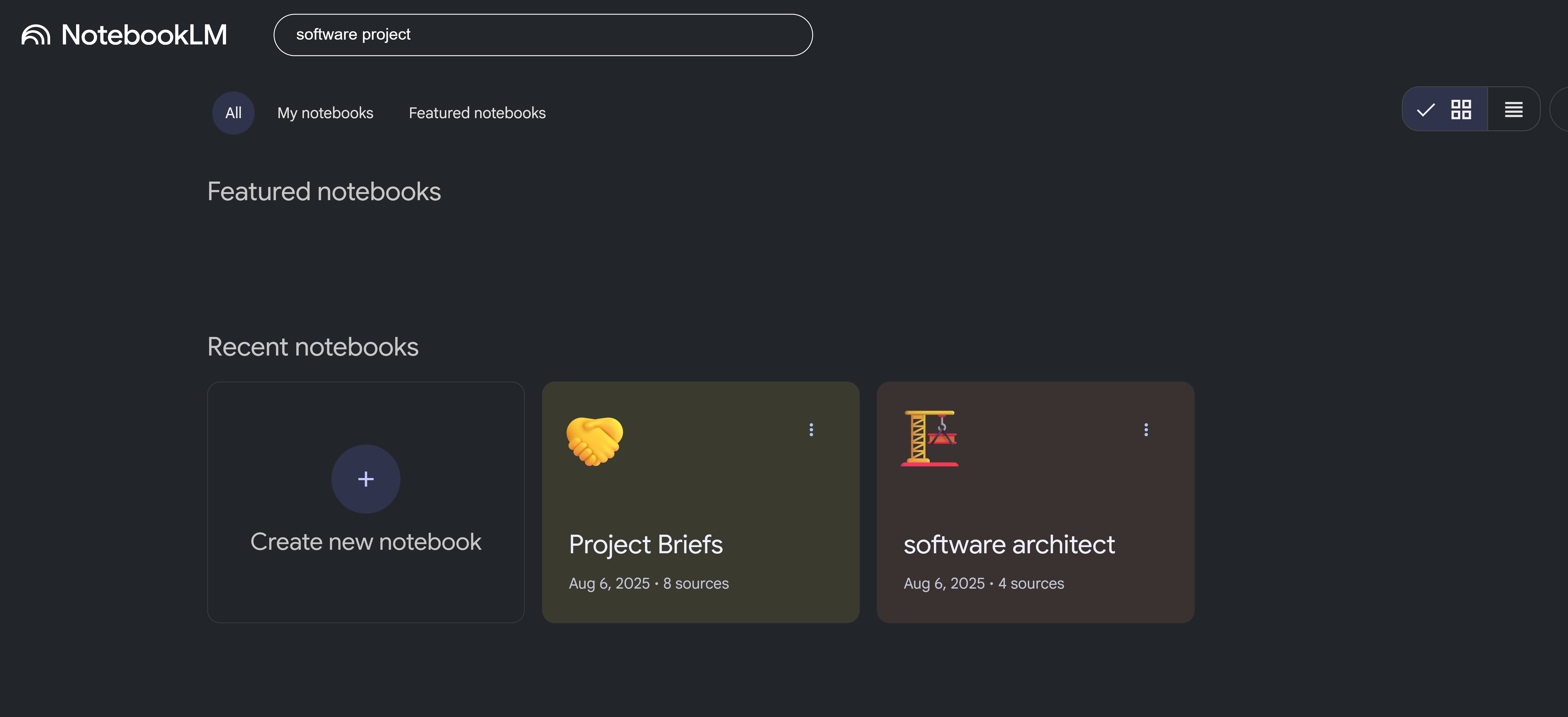
Search Tips
- Use multiple keywords to narrow results (e.g., "API design security")
- Search is case-insensitive
- Partial matches work (e.g., "api" matches "API Design")
- Clear the search field to show all notebooks
Note: This feature is available to all users (no subscription required).