Import to NotebookLM
Import your AI conversations and Google Docs directly into NotebookLM. Track your imports and manage your usage with monthly limits.
If you haven't installed the extension in your browser, please install it first.
How it works
- Visit any supported platform (ChatGPT, Gemini, Claude, Perplexity, X/Twitter, Reddit, LinkedIn) or Google Docs
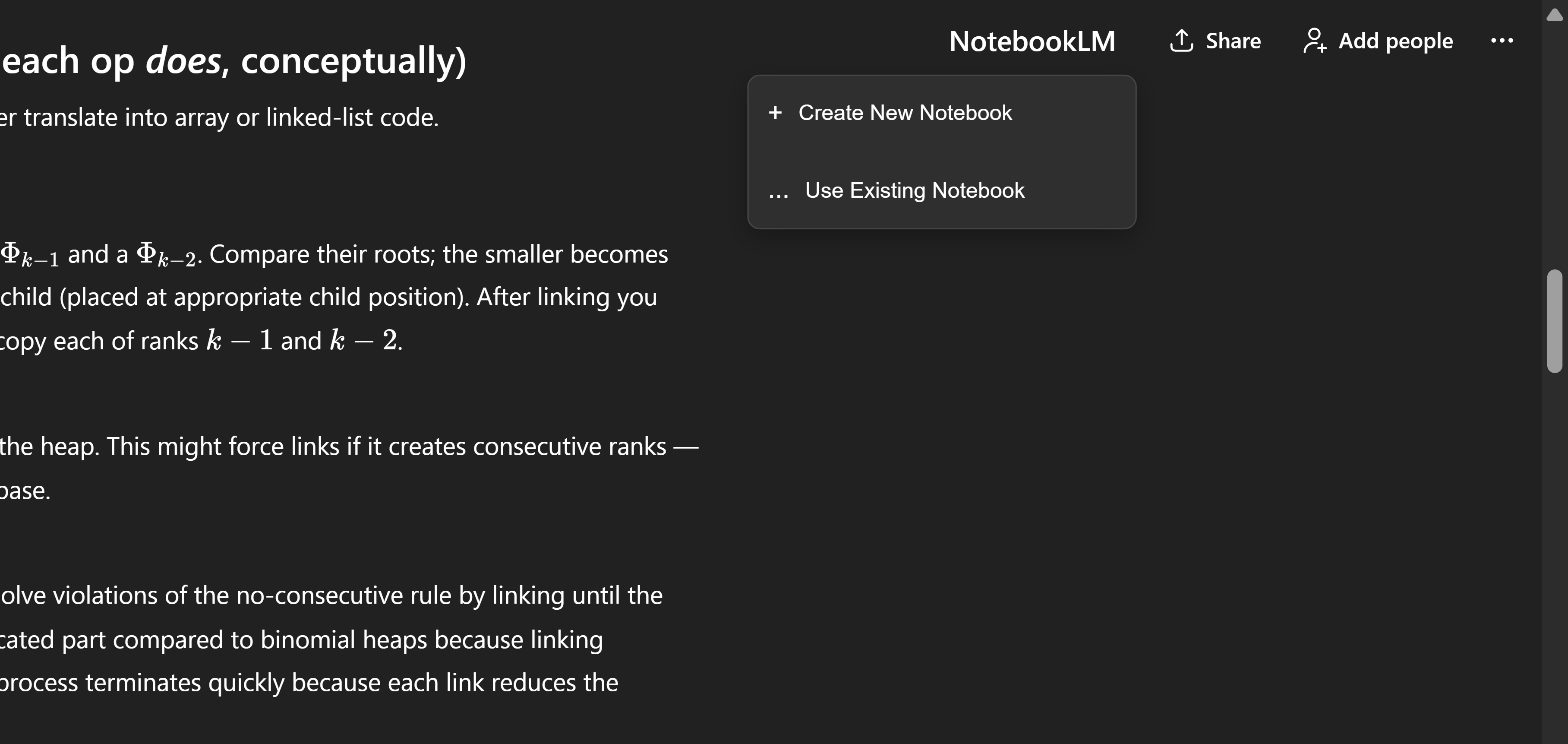
- Click the Kortex import button (appears in the chat interface, thread header, or post action bar)
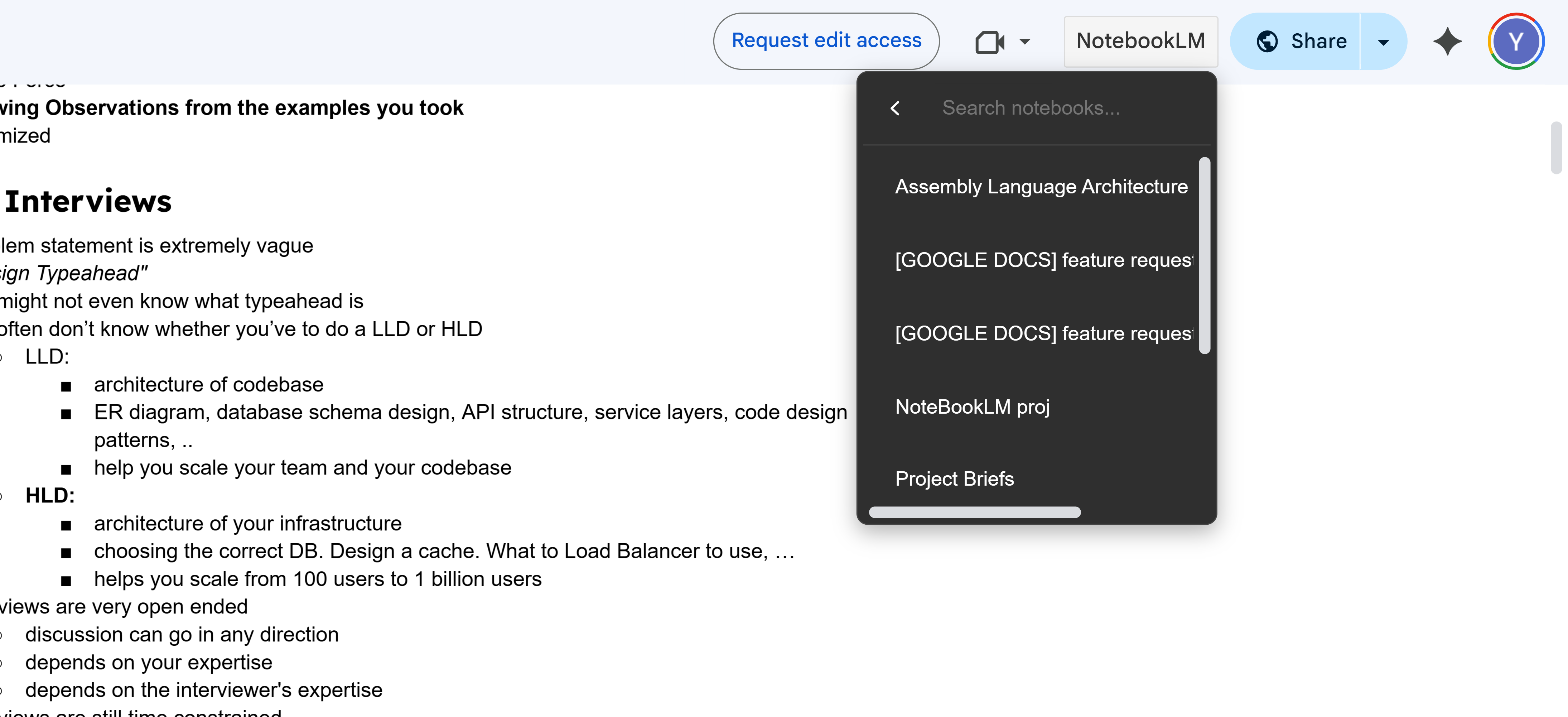
- Select a notebook or create a new one
- Your conversation, thread, post, or document will be imported as a source in NotebookLM
- The import count is tracked and displayed in your extension popup
Supported Import Types
- Chat Conversations: Import full conversations from ChatGPT, Gemini, Claude, Perplexity
- X (Twitter) Threads: Import entire Twitter/X threads with all replies and context
- Reddit Posts: Import Reddit posts with full content and context
- LinkedIn Posts: Import LinkedIn feed posts with author information and source URL
- Google Docs: Import Google Documents directly as sources
Import Limits
Import limits depend on your subscription tier:
- Basic: 15 imports per month (free)
- Lite: 60 imports per month ($3.99/month)
- Pro: Unlimited imports
Note: Import limits reset monthly for Basic and Lite tiers. Each import from any platform (ChatGPT, Gemini, Claude, Perplexity, X/Twitter, Reddit, LinkedIn, or Google Docs) costs 10 credits from your account balance and counts against your monthly import limit.