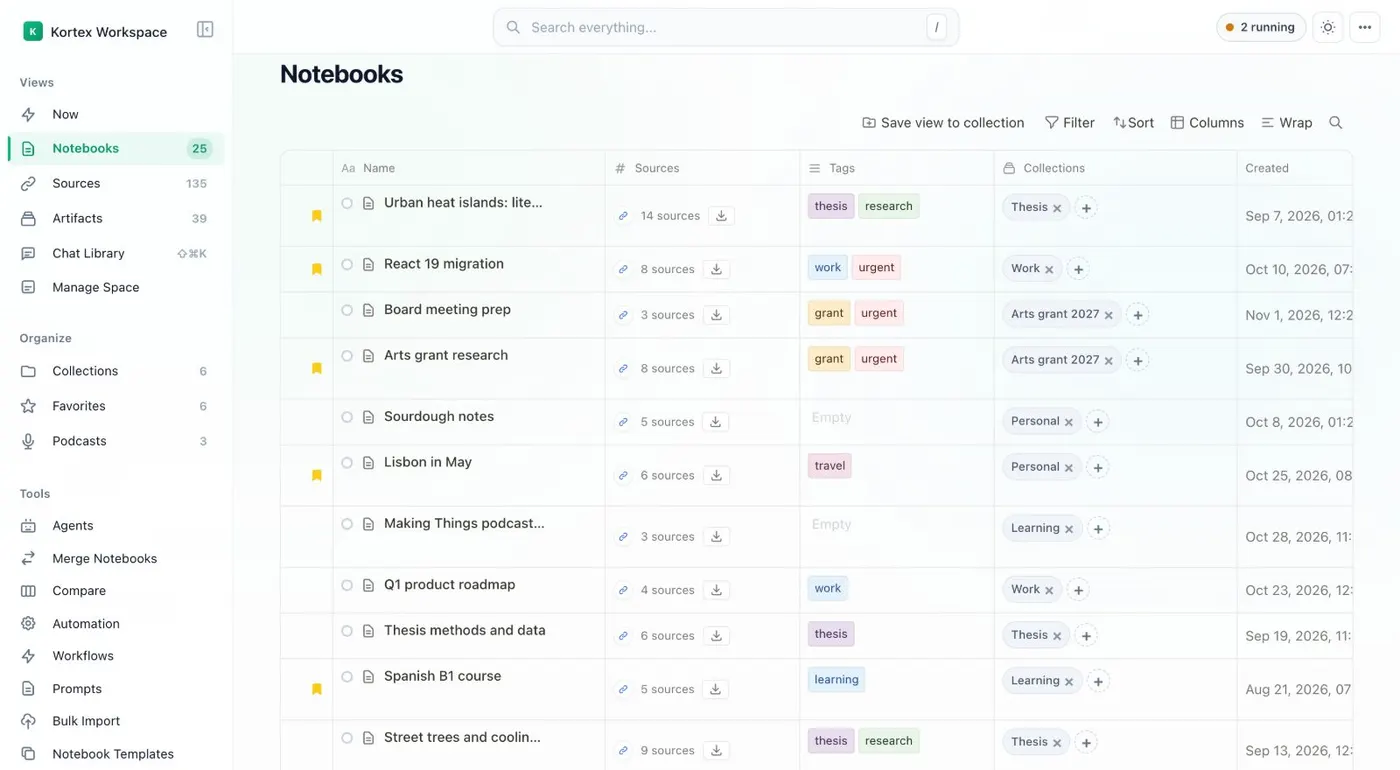
Want to search every notebook in Gemini Notebook, formerly NotebookLM, at once? The Kortex Workspace searches them all from one box. Click the Kortex icon in the toolbar, then Dashboard in the side panel header.
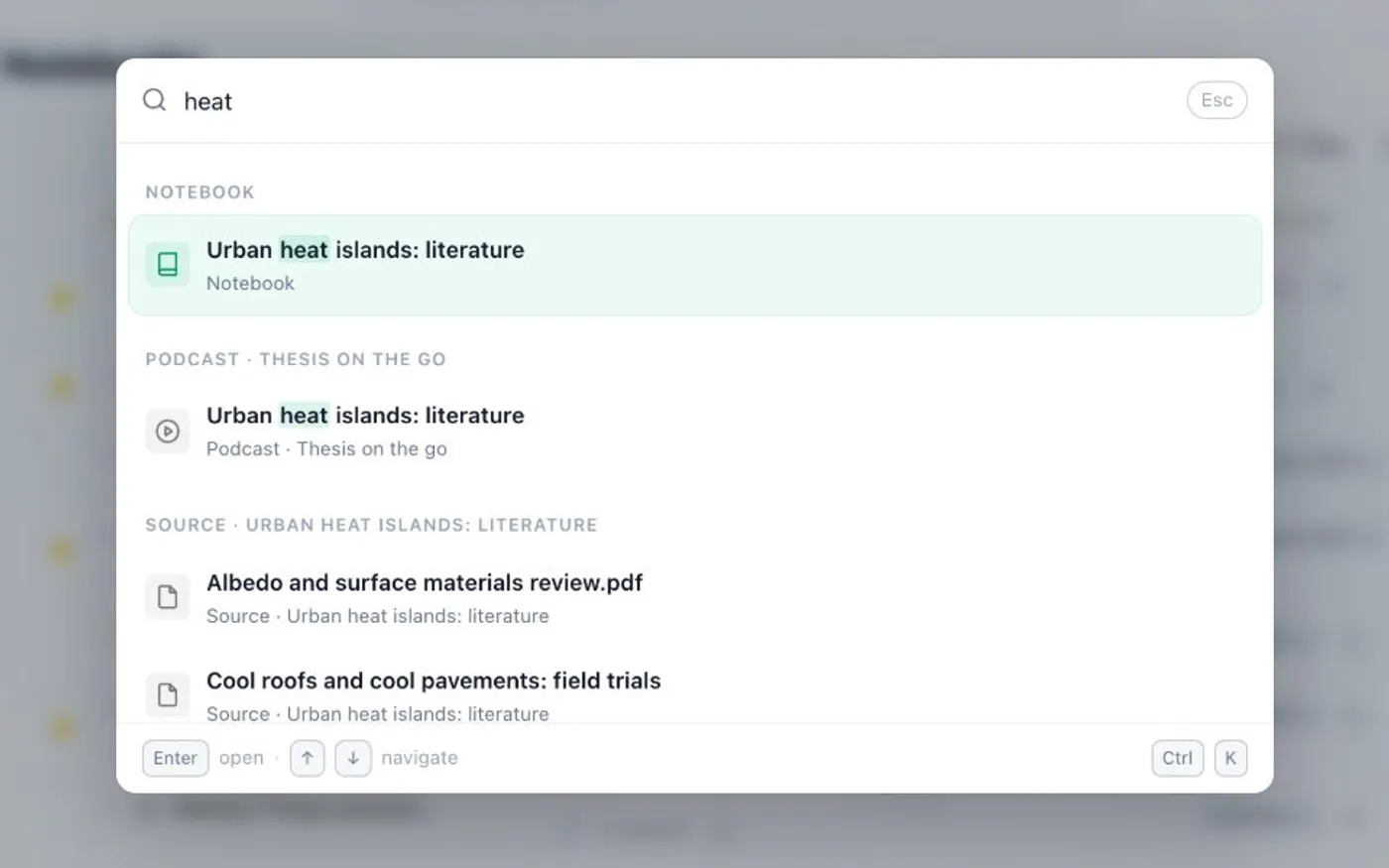
The Workspace opens in its own tab. To open the search, press Control K, or Command K on a Mac. A slash works too.
Or click Search everything in the top bar. Type a name, a tag or a few words. Matches are grouped by kind: notebooks, collections, tags, podcasts, sources and notes.
After three letters, related notebooks show up too. Use the arrow keys and Enter, or click a result. Escape closes the box.
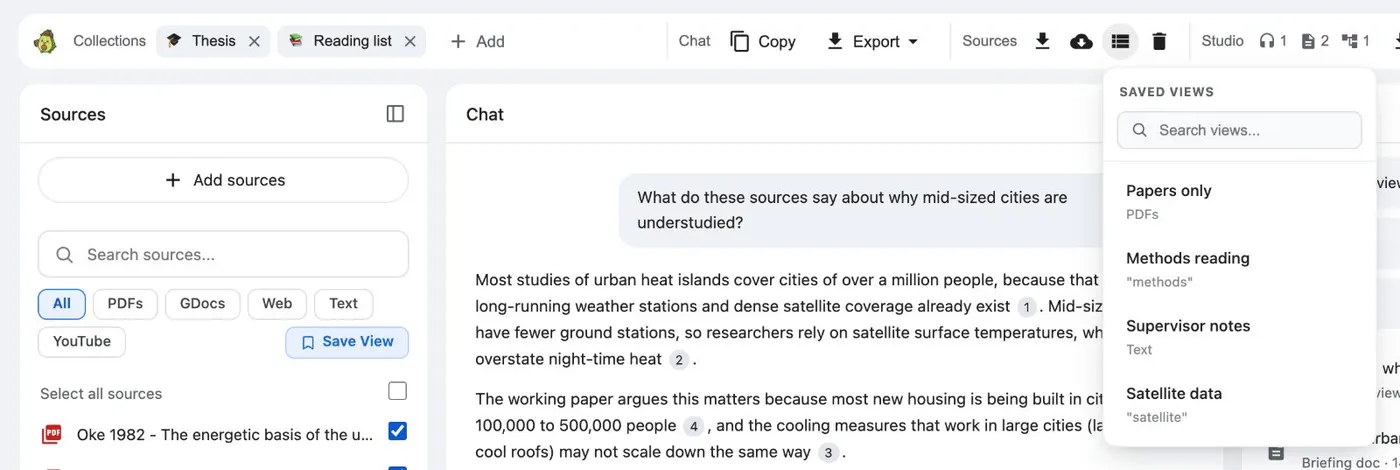
To search inside one notebook, open it in Gemini Notebook. The Kortex bar has a source search and Source views chips. Save View keeps a filter for next time.
Search every notebook from one box.