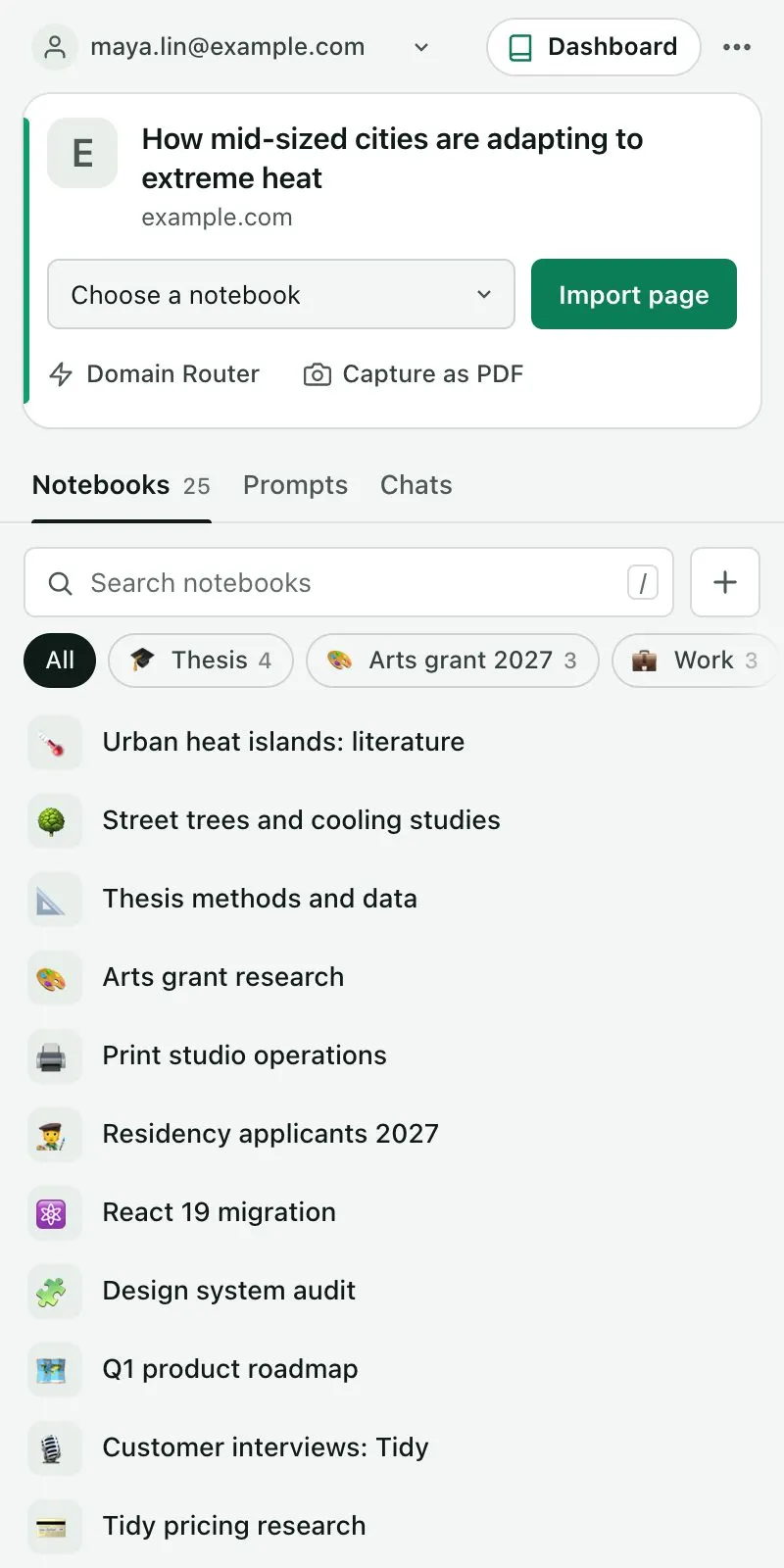
Gemini Notebook, formerly NotebookLM, shows one notebook at a time. The Kortex Workspace shows every notebook in one table. Click the Kortex icon in your browser's toolbar.
Kortex opens in the side panel, beside your page. Then click Dashboard in the panel's header. The Workspace opens in a full tab.
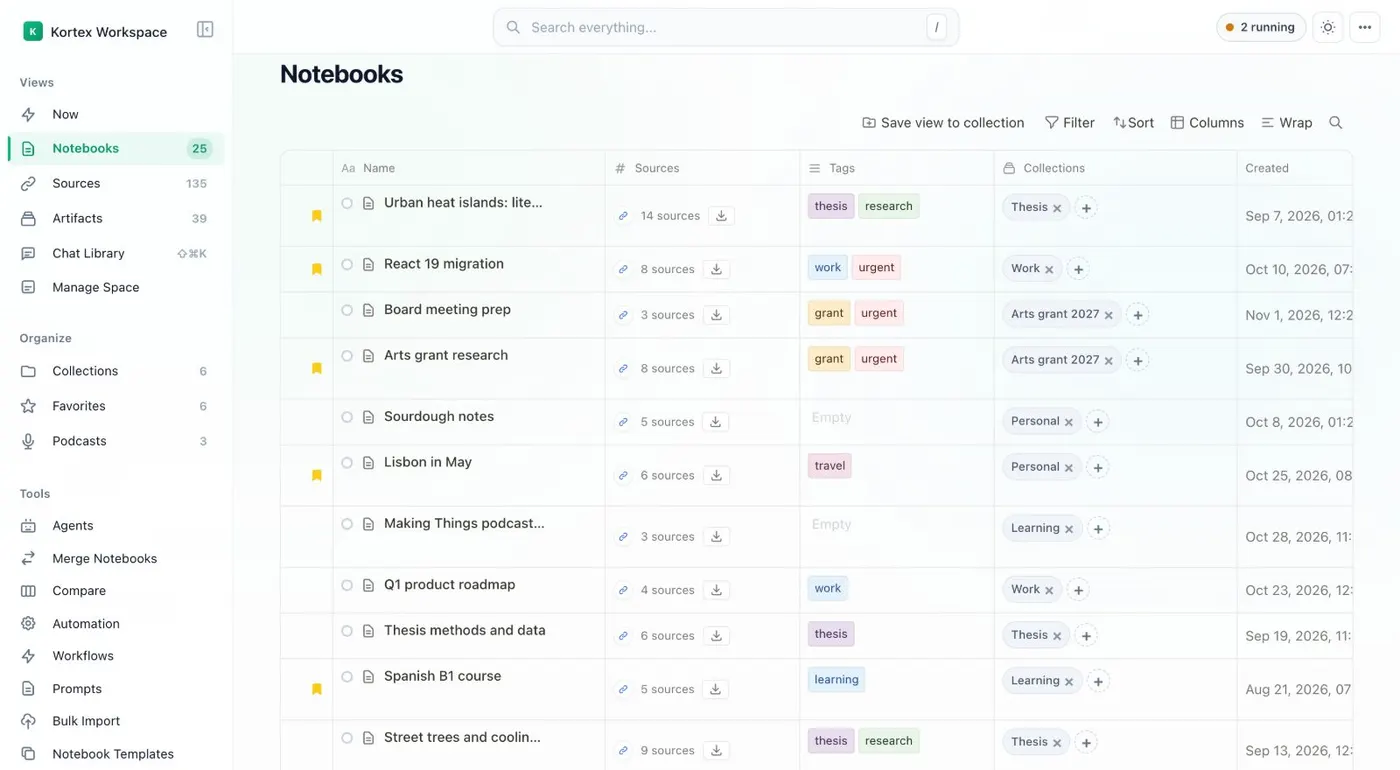
It opens on Notebooks. Each row shows the notebook's sources, tags, collections and dates. Use Filter, the sort menu and the column picker to change what you see.
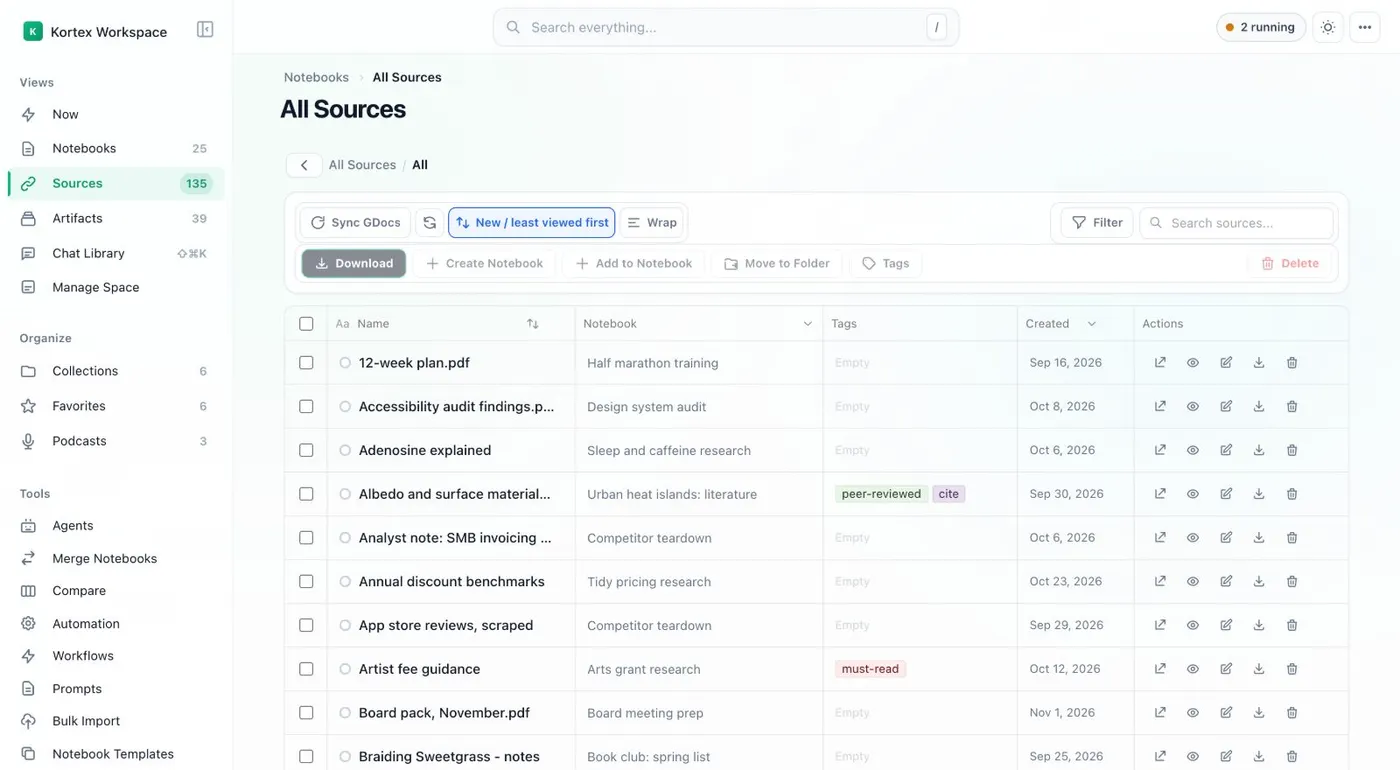
Tick rows to act on several at once: Add to collection, Tags, Merge, Compare or Delete. Rename works on one notebook at a time. Choose Sources to see every source across all your notebooks, or Artifacts for every Studio output.
Both have search, filters and bulk actions. Press Control K, or Command K on a Mac, to search everything. G then N goes to Notebooks.
G then S goes to Sources. And Control slash lists every shortcut. That's the Kortex Workspace.
Every notebook, in one tab.