Kortex vs NotebookLM Ultra Exporter for Gemini Notebook (formerly NotebookLM)
Kortex vs NotebookLM Ultra Exporter for getting sources, notes, chats and Studio outputs out of NotebookLM: formats, limits and price. Checked Nov 4, 2026.
On this page
- Which should you pick: Kortex or NotebookLM Ultra Exporter?
- Kortex vs NotebookLM Ultra Exporter: how do they compare?
- Where does NotebookLM Ultra Exporter win?
- Where does Kortex win?
- How much do Kortex and NotebookLM Ultra Exporter cost?
- Can you use NotebookLM Ultra Exporter and Kortex together?
- Frequently asked questions
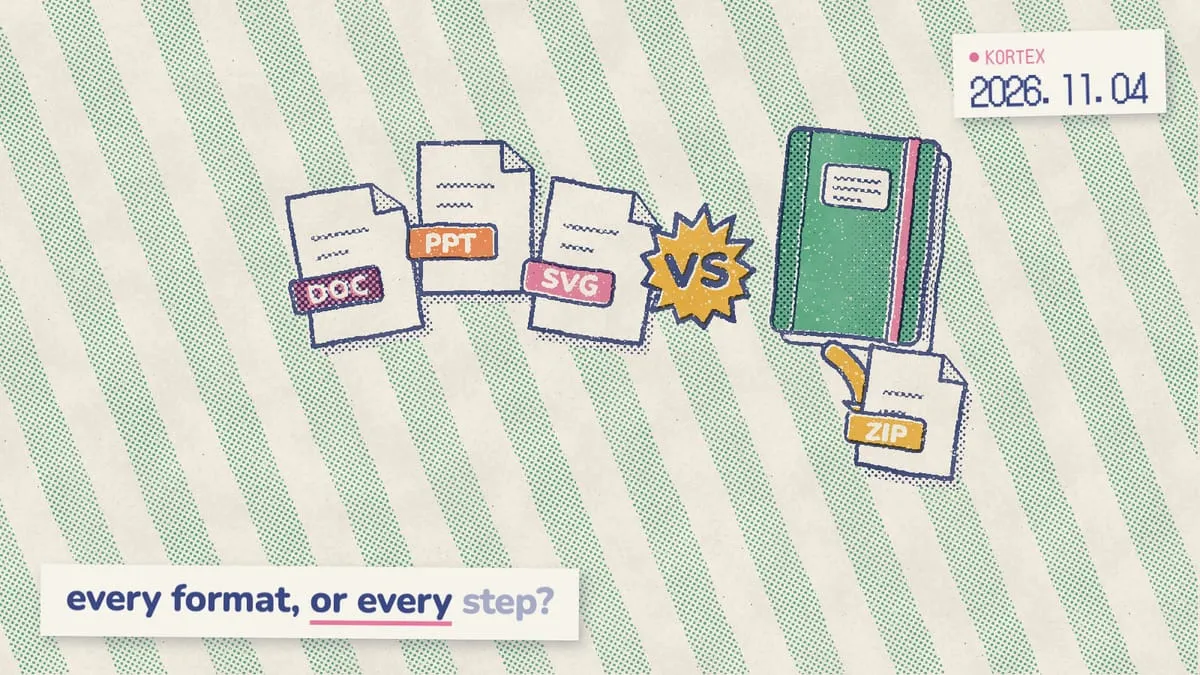
Short answer: Kortex vs NotebookLM Ultra Exporter depends on what you export. For Studio outputs in Office and study formats, Ultra Exporter is free and makes more of them: Word, PowerPoint, MP4 and Anki. Kortex exports whole notebooks and chats as PDF, Markdown or ZIP, and also imports, organizes and automates Gemini Notebook (formerly NotebookLM).
NotebookLM Ultra Exporter is a free Chrome extension. It downloads Gemini Notebook sources, notes, chats and Studio outputs in Office, image and study formats. Kortex is a Chrome extension that exports too, and also imports, organizes and automates. Getting work out of Gemini Notebook is a real gap, which is why exporters are the second biggest group in our Chrome extensions roundup. We built Kortex and publish this blog. Every fact about NotebookLM Ultra Exporter below links to its Chrome Web Store listing or website, and we checked each one on November 4, 2026. If its pages do not mention something, we write “not listed”. That means we could not confirm it. Below: who should pick which, a feature table, where each one wins, and prices side by side.
Which should you pick: Kortex or NotebookLM Ultra Exporter?
Pick NotebookLM Ultra Exporter if you only need files out of Gemini Notebook, especially Office or study formats; pick Kortex if export is one step in a bigger loop. Ultra Exporter is free, with no account required (website, Nov 4, 2026). Kortex allows 10 free exports a day.
NotebookLM Ultra Exporter fits you if:
- You only need files out of Gemini Notebook, and you want that free.
- You need Studio outputs in Office or study formats: Word, PowerPoint, MP4 slides, SVG mind maps or Anki decks.
Kortex fits you if:
- Export is one step for you: you also save AI chats and pages into notebooks and keep them organized.
- You want chats exported as JSON, or with only the replies you pick.
- You want automations, a podcast feed of your Audio Overviews, or Kortex MCP (all Pro).
Kortex vs NotebookLM Ultra Exporter: how do they compare?
Ultra Exporter names more formats per Studio output; Kortex covers more of the research loop. Both have 100,000 users or more on the Chrome Web Store. The table compares 10 features. Features marked (Pro) need a paid Kortex plan.
| Feature | Kortex | NotebookLM Ultra Exporter |
|---|---|---|
| Best at | Importing, organizing and exporting, in one extension | Exporting every kind of Gemini Notebook content |
| Chrome Web Store users | 100,000+ | 100,000 |
| Chrome Web Store rating | 4.5 from 410 ratings | 4.0 from 60 ratings |
| Sources | Every source in a notebook as PDF, Markdown, text or ZIP | Batch download as Markdown, PDF or text |
| Notes and reports | PDF, Markdown or ZIP | Markdown, Word or PDF, in batches |
| Chats | Markdown, text, PDF or JSON; pick the replies; keep or drop your questions | Markdown, Word or PDF |
| Other Studio outputs | The whole Studio panel at once, as PDF, Markdown or ZIP | Slides as PPTX, MP4 or a long image; mind maps as PNG, SVG or Markdown; flashcards as CSV, Markdown or Anki; tables as CSV, Markdown, Word or PDF |
| Preview and edit before download | Yes (Pro) | Not listed |
| Free limit | 10 exports a day; Pro has no limit | Free, with no limit listed |
| Imports, organizing and automation | Yes; bulk import, automations and Kortex MCP with Pro | Not listed; it is an export tool |
NotebookLM Ultra Exporter facts come from its Chrome Web Store listing and website, checked on November 4, 2026. Its website shows “10,000+ users” and a 5.0 rating; the table uses the store’s figures. Kortex facts come from the features page and the pricing section, and its store figures date from November 6, 2026.
Where does NotebookLM Ultra Exporter win?
NotebookLM Ultra Exporter wins on price, format range and privacy promises. It’s free, its website claims 10+ export formats, and its listing says “All exports happen locally in your browser” (Chrome Web Store, Nov 4, 2026). For export alone, that’s a strong offer.
It’s free. Its website says it’s free with no account required, and neither page mentions a paid tier. Kortex’s free plan allows 10 exports a day.
More Studio formats. Word, PowerPoint, MP4 slides, long-image slide strips, SVG mind maps, CSV tables, Anki flashcards, and PNG, JPG or WebP infographics. Kortex exports Studio outputs as PDF, Markdown or ZIP, and doesn’t export to Word.
Exports stay in your browser. Its listing says “We don’t collect, store, or transmit any of your data”, and the developer declares no data collection.
When we analyzed its manifest for that extensions roundup on September 27, 2026, its permissions stayed on Google domains. The listing’s last update is dated September 24, 2026, so that check covers the current version.
Extras for sharing. A custom watermark or stamp with its own position, color and opacity, and a switch to include or leave out citations.
Where does Kortex win?
Kortex wins on chat exports and everything around the export. Its chat export picks individual replies, can leave your questions out and adds JSON, a format NotebookLM Ultra Exporter doesn’t list for chats (Nov 4, 2026). It also saves AI chats and pages into notebooks, files them, and searches the whole library.
Chats your way. Pick which replies to export, keep or drop your own questions, and choose Markdown, text, PDF or JSON. Copying a chat as Markdown is free and never counts toward a limit.
A whole notebook in one click. One button above the sources panel saves every source as PDF, Markdown, text or a ZIP, and another saves the whole Studio panel.
The rest of the loop. Kortex also saves AI chats and web pages into notebooks, files them into collections and folders, and searches across every notebook and source. To move notes into a second brain, see Gemini Notebook to Notion and Obsidian.
Check before you download (Pro). Generate every artifact, then preview and edit it before it becomes a file. Automations, a podcast feed of your Audio Overviews and Kortex MCP come with Pro too. Kortex MCP is a server that lets AI assistants like Claude or ChatGPT read and work in your notebooks.
Getting work back out is a common ask. When we analyzed the Kortex MCP waitlist survey (776 respondents, Sep-Oct 2026), 72 people asked for notes and outputs back out of their notebooks, and 56% of them described a manual workaround.
Get a whole notebook out in one click
Kortex downloads every source, the whole Studio panel or a chat as PDF, Markdown or ZIP, 10 exports a day on the free plan. Free on Chrome.
How much do Kortex and NotebookLM Ultra Exporter cost?
NotebookLM Ultra Exporter costs nothing, and neither its website nor its store listing mentions a paid plan (Nov 4, 2026). Kortex has a free plan with 10 exports a day, and Pro at $9.99 a month, $108 a year or $199 once removes the limit. So when is Kortex Pro worth paying for, if exports alone are free elsewhere? When you need more than 10 exports a day, or want what comes with Pro: previewing and editing artifacts before download, bulk import, automations, Google Docs sync, sync across devices, a podcast feed with 1,000 minutes and Kortex MCP. If you export a few notebooks a month, Kortex’s free plan or Ultra Exporter alone will do. Both install free from the Chrome Web Store, so you can test each one on a real notebook first.
| Plan | Kortex | NotebookLM Ultra Exporter |
|---|---|---|
| Free | 10 imports and 10 exports a day | Free, no account needed |
| Monthly | $9.99 | No paid plan listed |
| Yearly | $108 ($9 a month) | No paid plan listed |
| One payment | $199 Lifetime | No paid plan listed |
Ultra Exporter’s pricing is from its website and store listing, checked on November 4, 2026. Kortex prices are on the pricing section; many countries see a lower Kortex price at checkout, and every Kortex plan has a 7-day money-back guarantee.
Can you use NotebookLM Ultra Exporter and Kortex together?
Yes, they get along. Keep Ultra Exporter for the formats Kortex doesn’t make, such as PowerPoint, Word and Anki, and use Kortex for whole-notebook downloads, chat exports, imports and organizing. For example, export a slide deck to PowerPoint with Ultra Exporter, then download every source in the notebook as Markdown with Kortex for your notes app. You’ll see both sets of export buttons in Gemini Notebook. Is two exporters overkill? Not if you need Office formats and whole-notebook downloads; if you only need one of those, one extension is enough. Neither one changes your notebooks, so you can remove either later without losing anything in Gemini Notebook, and files you’ve already downloaded stay on your computer. Try both on one notebook first.
Before adding either, check what Gemini Notebook already does: our guide to exporting Gemini Notebook covers every native option. For flashcards into Anki, see the flashcards guide, and for a bigger free toolkit, Kortex vs NotebookLM Tools.
Export, plus everything before it
Kortex saves chats and pages into Gemini Notebook, keeps them organized, and gets them back out as PDF, Markdown or ZIP. Free on Chrome.
Frequently asked questions
Is NotebookLM Ultra Exporter free?
Yes. Its website calls it free, with no account required, and neither its site nor its Chrome Web Store listing mentions a paid plan or in-app purchases, checked on November 4, 2026. Kortex’s free plan allows 10 exports a day, and Pro removes the limit.
Which one exports more formats?
NotebookLM Ultra Exporter, for Studio outputs. It names Word, PowerPoint, MP4, long images, SVG, PNG, CSV and Anki among its formats. Kortex exports sources, notes, Studio outputs and chats as PDF, Markdown, text or ZIP, with JSON for chats, and doesn’t export to Word.
Can either one export Gemini Notebook chats?
Both can. NotebookLM Ultra Exporter saves chat history as Markdown, Word or PDF. Kortex saves the whole chat or only the replies you tick, as Markdown, text, PDF or JSON, and can leave your own questions out. Copying a chat as Markdown in Kortex is free and never counts toward a limit.
Can I export from Gemini Notebook without an extension?
Partly. Gemini Notebook exports single notes to Google Docs and data tables to Google Sheets, flashcards download as CSV, and Google’s help pages document no bulk download for sources or chats. Our export guide walks through every native option before you add an extension.
Can I use NotebookLM Ultra Exporter and Kortex together?
Yes. Keep Ultra Exporter for the formats Kortex doesn’t make, like Word, PowerPoint and Anki, and use Kortex for whole-notebook downloads, chat exports, imports and organizing. You’ll see both sets of export buttons in Gemini Notebook.
Editorial note: fact-checked against the official help pages and docs linked above on November 4, 2026. Spotted something out of date? Contact us and we will fix it, or read more about Kortex.