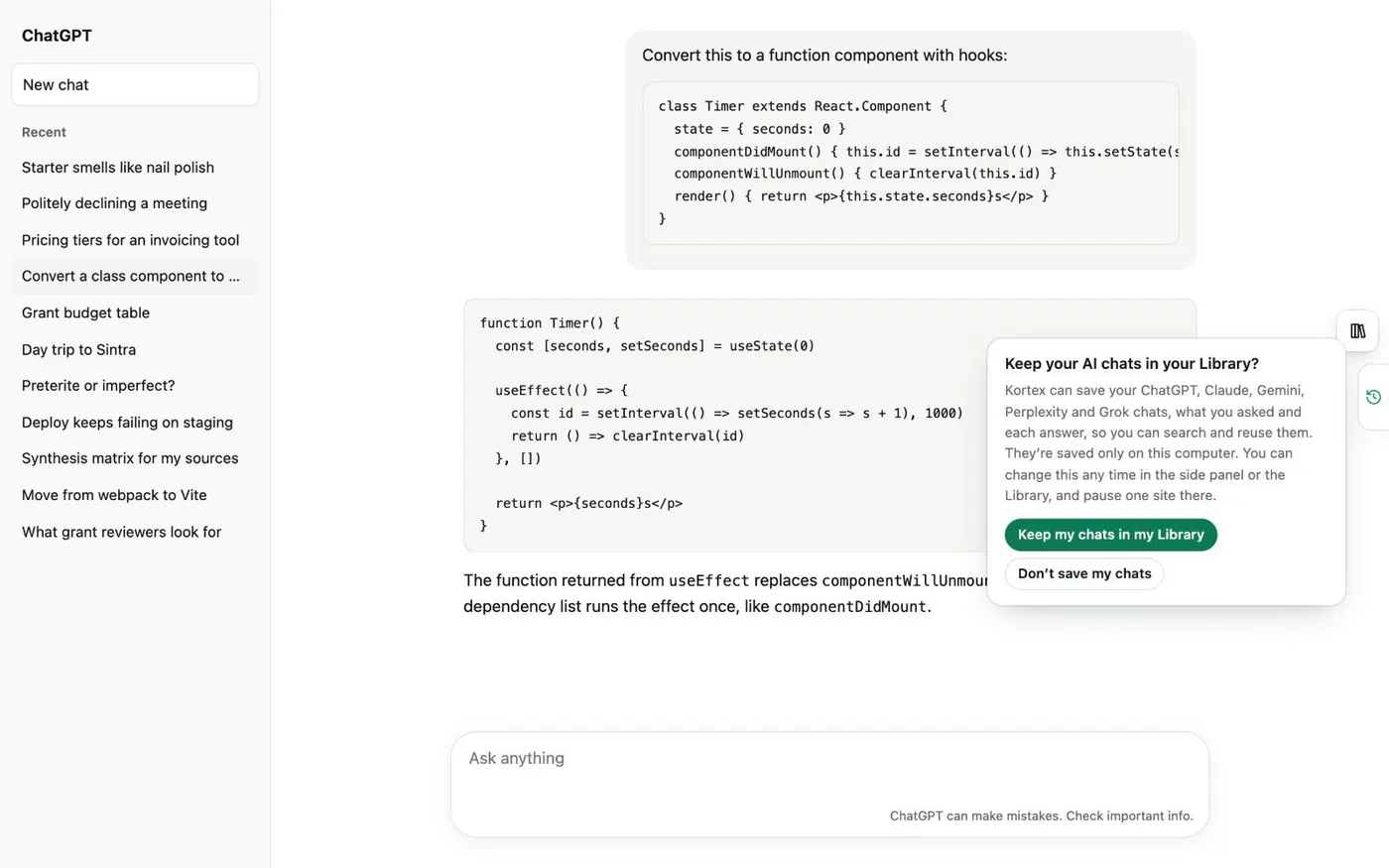
Here's how to search your saved Claude chats with Kortex, and find an old conversation fast. Kortex asks once before it saves anything. Click Keep my chats in my Library.
Claude chats then save in the background every few minutes, while Chrome is open and you're signed in to Claude. No Claude tab has to stay open. Then open the side panel's Chats tab, and click the gear.
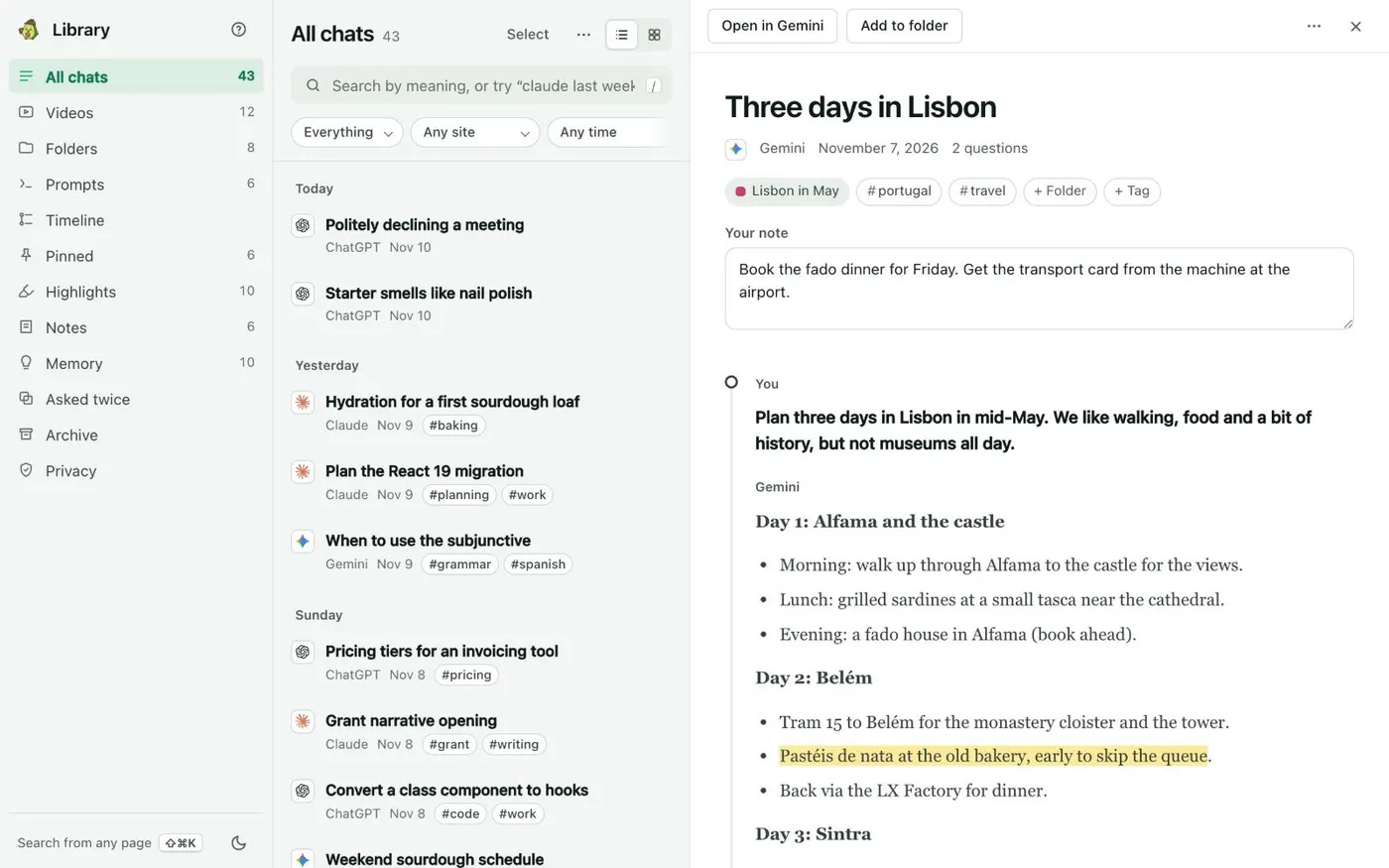
Under Saving your chats, the Claude row shows how many chats are saved. Its switch pauses Claude. Open the Library from the side panel's Chats tab, and click the search box.
Or press Control K, or the slash key. Type claude, then a word or the idea of the chat. The word claude becomes a filter chip, so only Claude chats show.
Add a date to narrow it more. Kortex blends exact words with meaning. Add the words I asked to look only at what you wrote to Claude, not at its answers.
Click a result to open the chat at the message that matched. Below it, Related chats from any AI lists chats on the same subject. Your Claude chats are stored on your computer.