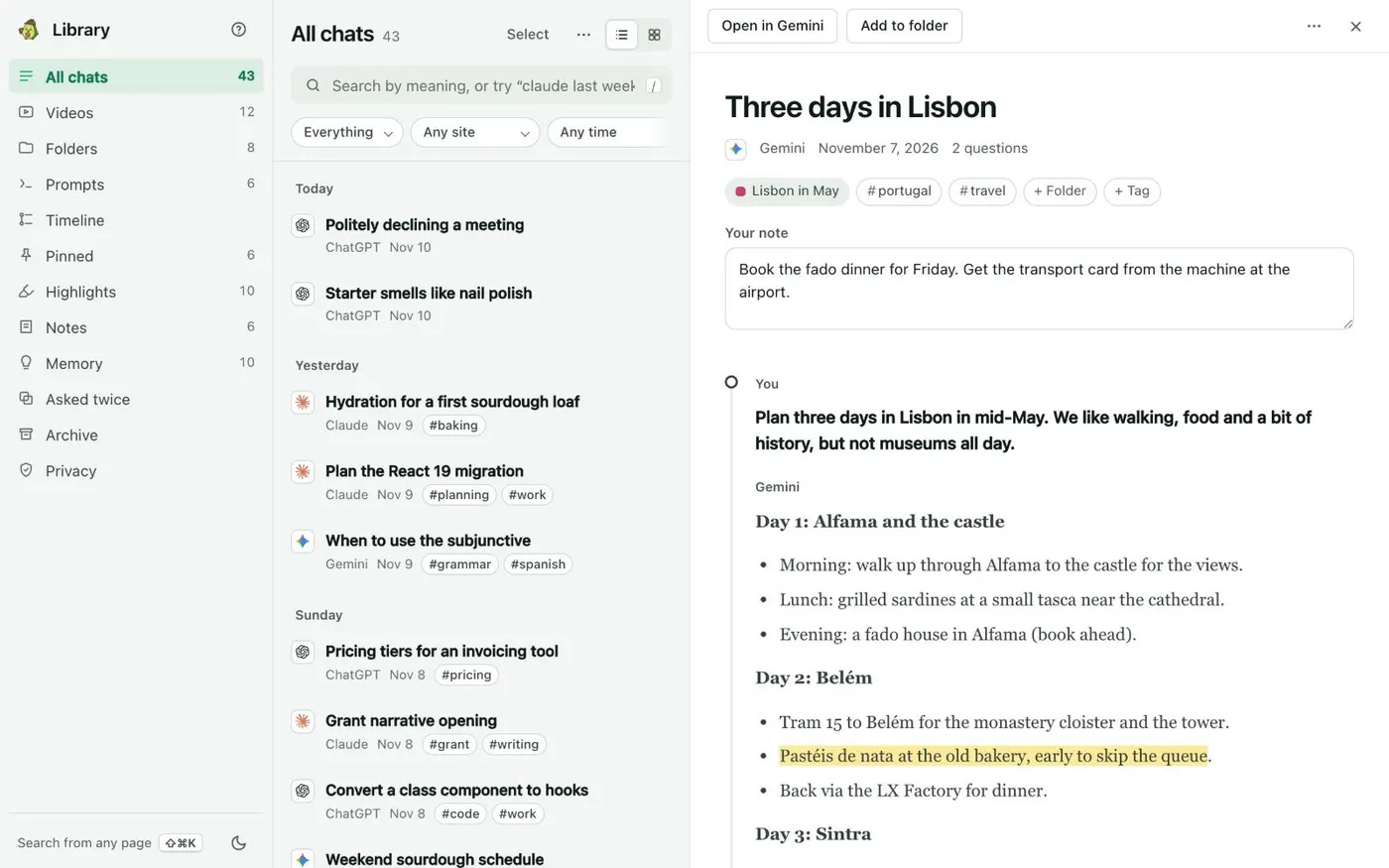
Here's how to keep every ChatGPT chat as a Markdown file in your Obsidian vault, with Kortex. Open the Library from the side panel's Chats tab. Your saved ChatGPT chats are in All chats, with chats from Claude, Gemini, Perplexity and Grok.
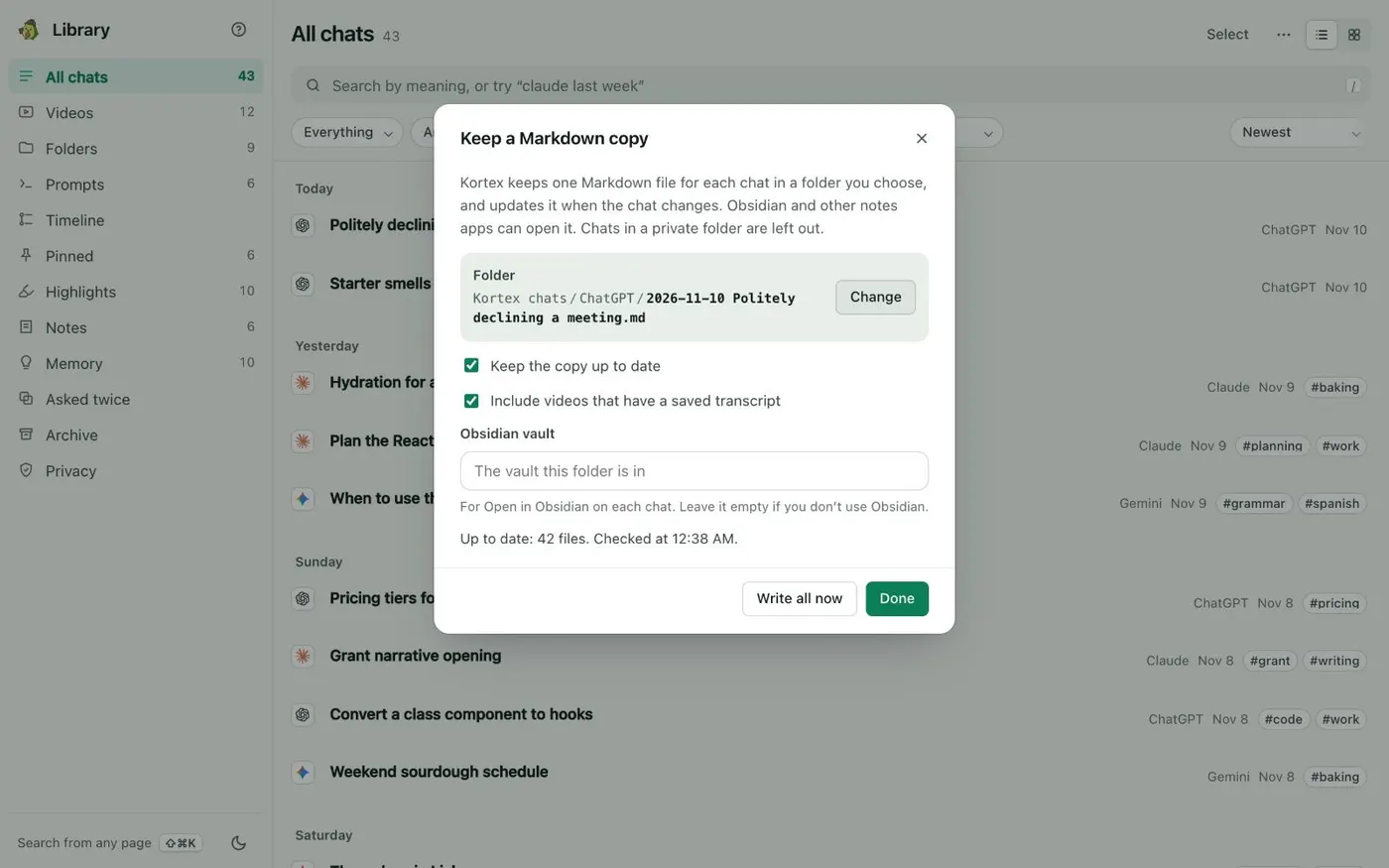
Click the three dots at the top of the list, next to Select. Choose Keep a Markdown copy. Click Change and pick your vault folder.
In an Obsidian vault, Kortex puts the files in a folder called Kortex. Chrome asks for permission to write there, so allow it. Leave Keep the copy up to date ticked, so changed chats are rewritten.
Tick Include videos that have a saved transcript to add those. Type your vault's name in Obsidian vault to get Open in Obsidian on each chat. Click Write all now.
The dialog says how many files are up to date. Then click Done. New chats and changes follow on their own.
In Obsidian, open the Kortex folder in your vault. Write your own notes under the marker line at the end of a file. Kortex keeps them when it updates the file.
Every ChatGPT chat, as a file in your vault.