Here's how to export your full ChatGPT history. ChatGPT emails you a link to a ZIP file. com.
Open your profile menu, then Settings. Select Data controls. Under Export data, select Export.
Then select Confirm export. ChatGPT sends an email when the export is ready, or a text if your account uses only a phone number. OpenAI says it can take up to 7 days.
Don't ask for a second export while the first is processing. Open the message and select Download data export. The link expires 24 hours after you get it.
Download it while signed in to the same account. Open the ZIP and check that the chats you need are inside. Keep the file somewhere safe.
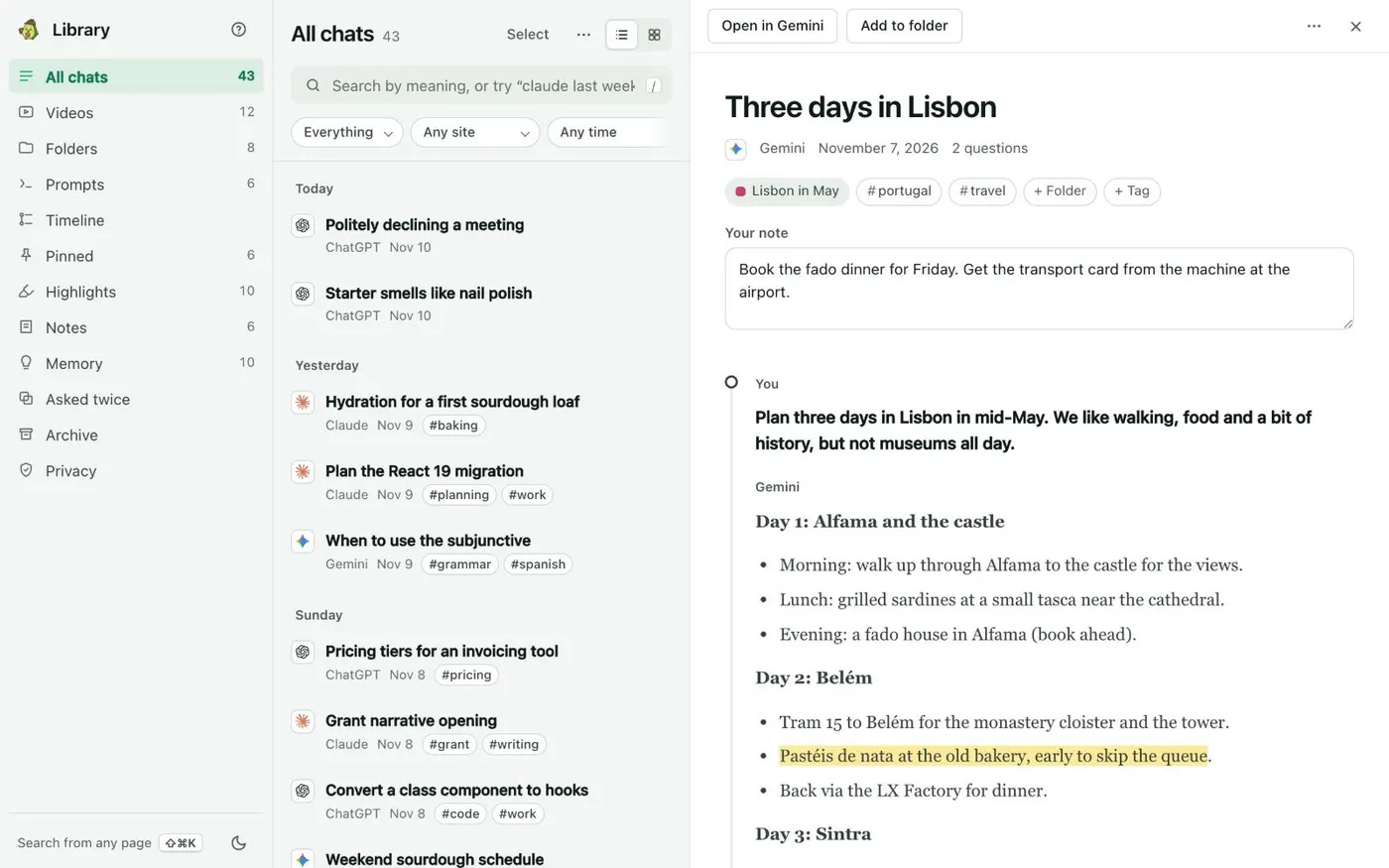
It can hold sensitive account details. A ZIP file is hard to search. Kortex saves your ChatGPT chats on your computer, where you can search and read them.
When it asks, click Keep my chats in my Library. For chats from before you installed it, open the Library. In the menu on All chats, choose Add older chats from export files.
Then choose the ChatGPT file. Export it. Keep it somewhere safe.