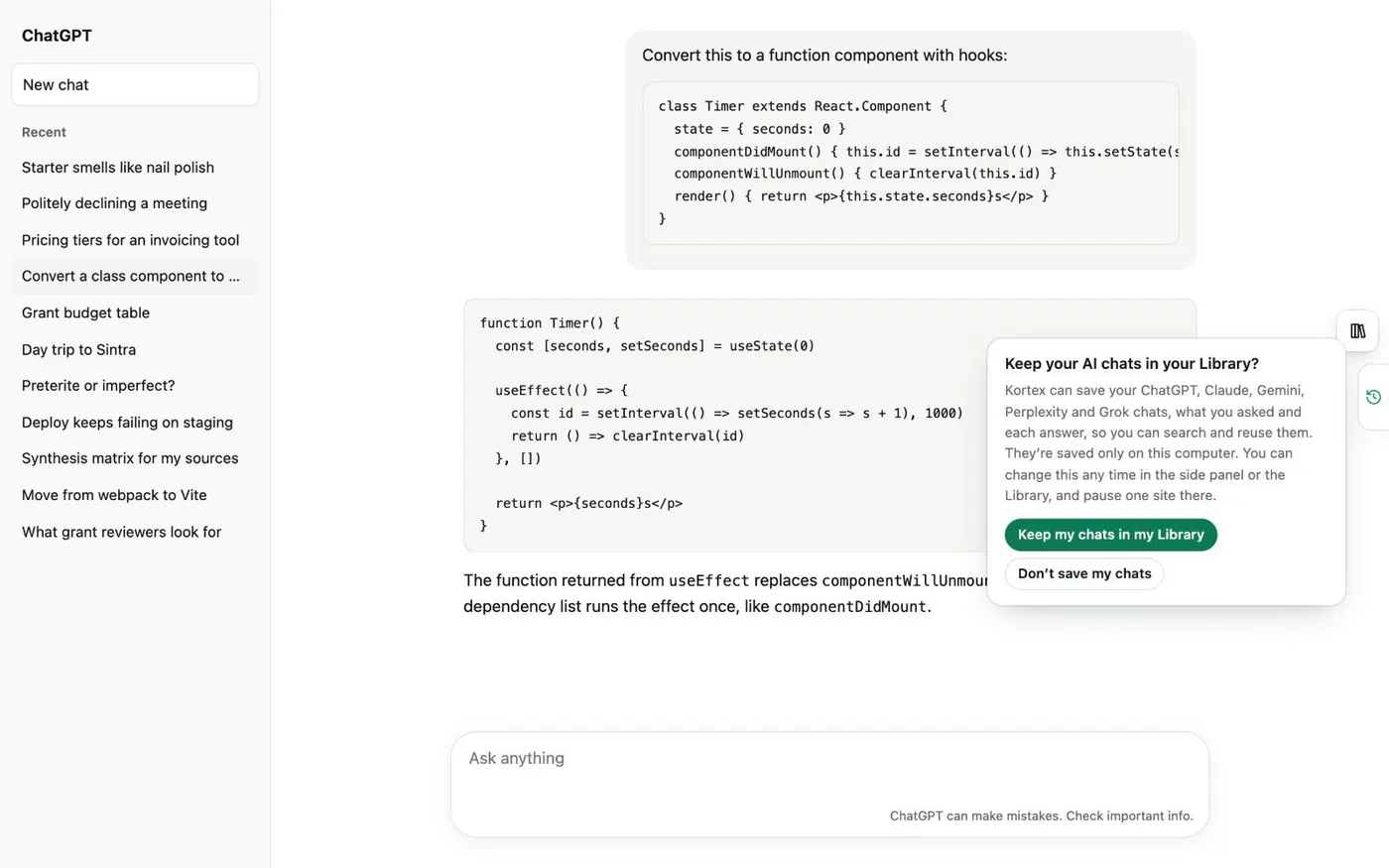
Here's how to export a Perplexity thread to PDF or Markdown with Kortex. Click Keep my chats in my Library when Kortex asks. One answer covers Perplexity and the other AI sites.
Your chats stay on this computer. ChatGPT, Claude, Gemini and Grok save in the background. Perplexity saves only while a Perplexity tab is open.
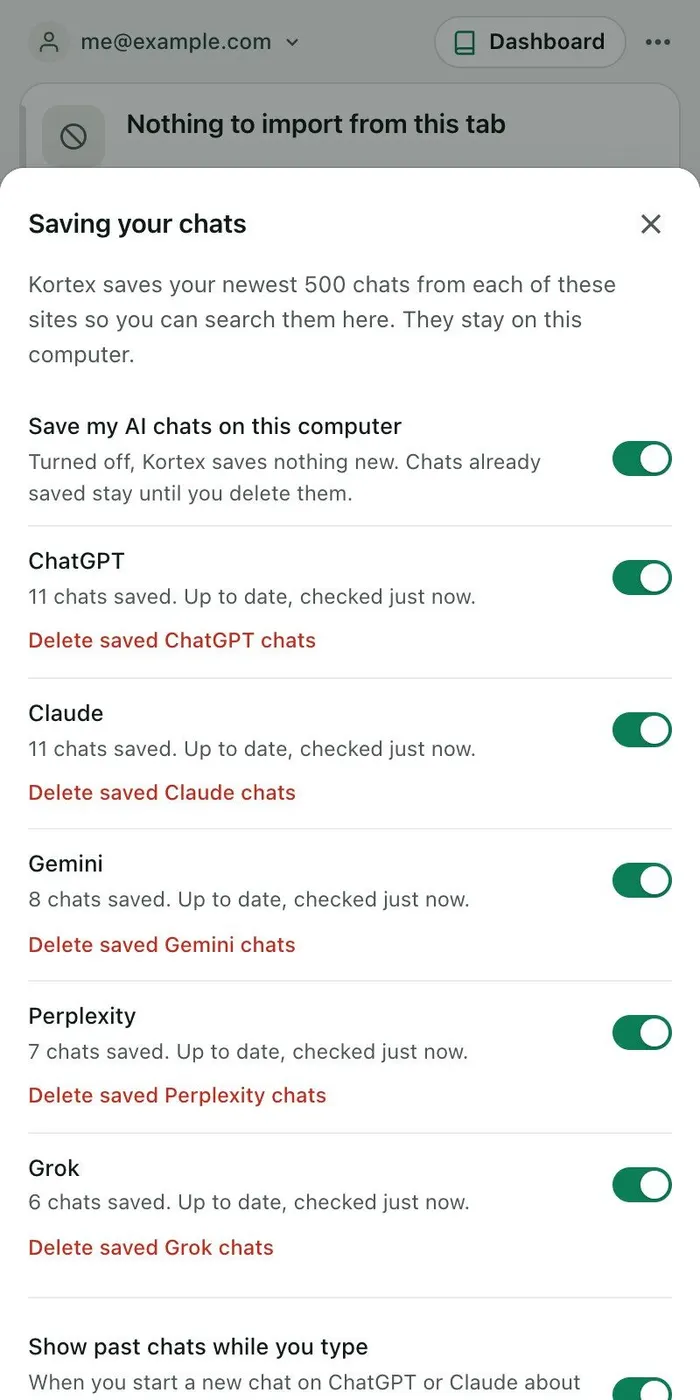
So open your thread on Perplexity. Then leave the tab open for a few minutes. Next, open the side panel's Chats tab and click the gear.
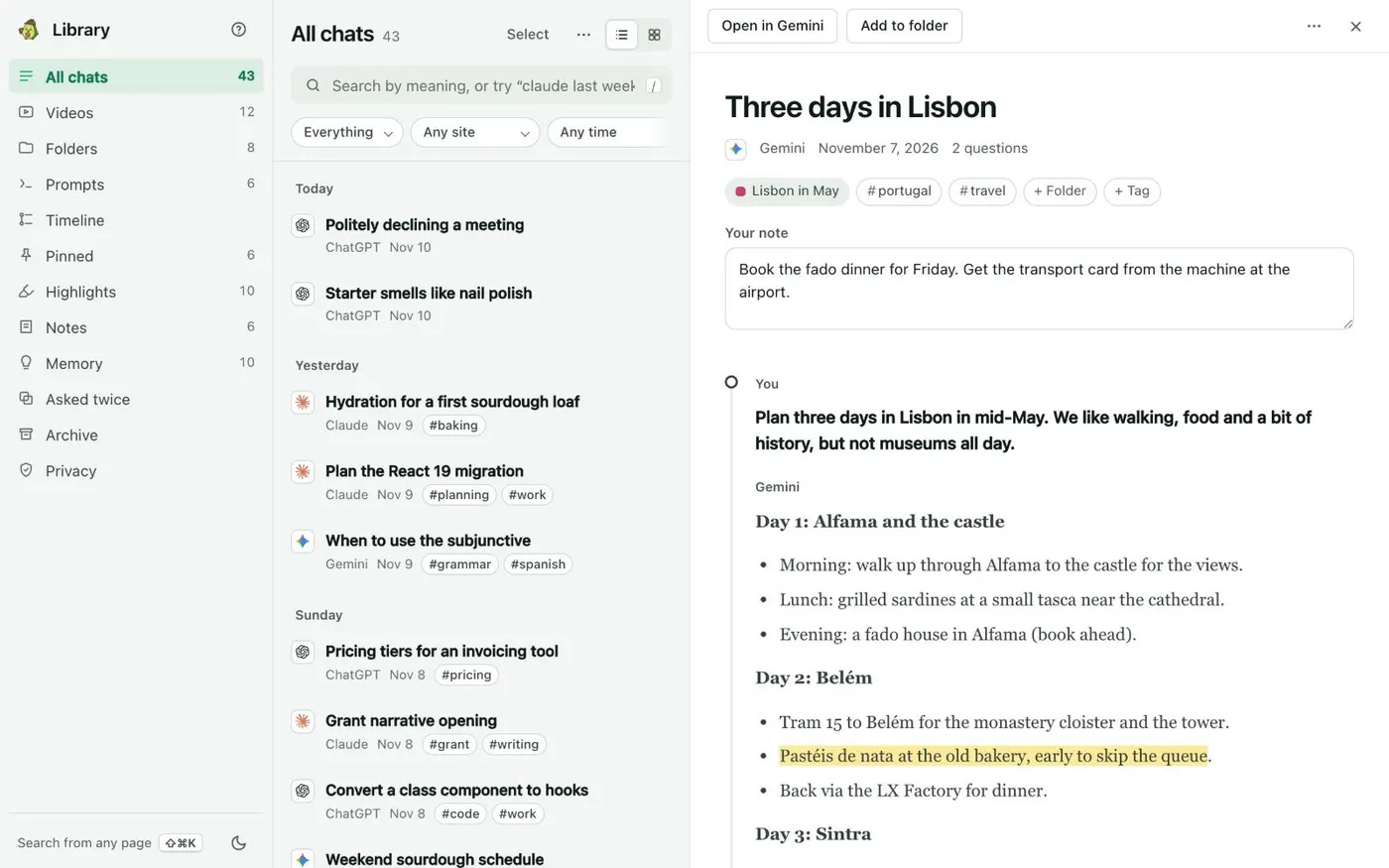
The Perplexity row shows how many chats are saved. Check that its switch is on. Open the Library from the Chats tab.
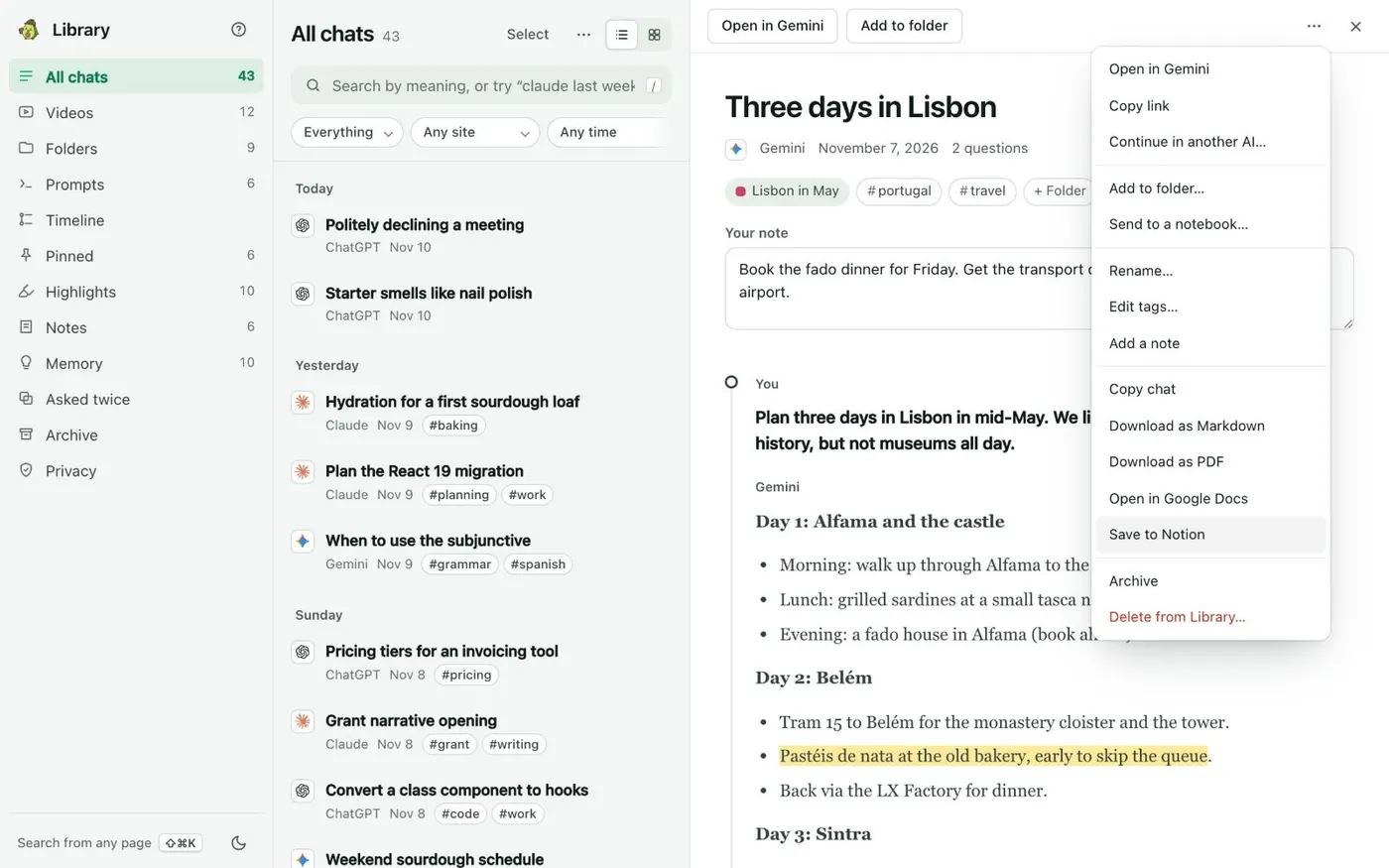
Type perplexity and a word from the thread in the search box. Open the thread, then click the three dots at the top right of the reader. Choose Download as PDF or Download as Markdown.
The file goes to your downloads folder. Save to Notion and Open in Google Docs are in the same menu. Any saved Perplexity thread, as a file.