Lost a ChatGPT chat? Here's what you can still do, and where missing chats hide. First, the rule.
OpenAI says you can't restore a deleted chat, even through OpenAI Support. That includes Delete all chats. So these steps find chats that are missing.
Start with Search. Type a word you remember from the chat. It may only be buried far down your history.
Next, check your archived chats. Open Settings, then Data controls, then Archived chats. Select Unarchive to bring one back.
If you locked the chat, open Projects, then Locked chats. Enter your account PIN, or use device authentication. Check that you're in the right account and workspace, with the same email or sign-in method.
Then refresh, or sign out and back in. And check OpenAI Status. If the chat vanished and you didn't delete it, contact OpenAI Support.
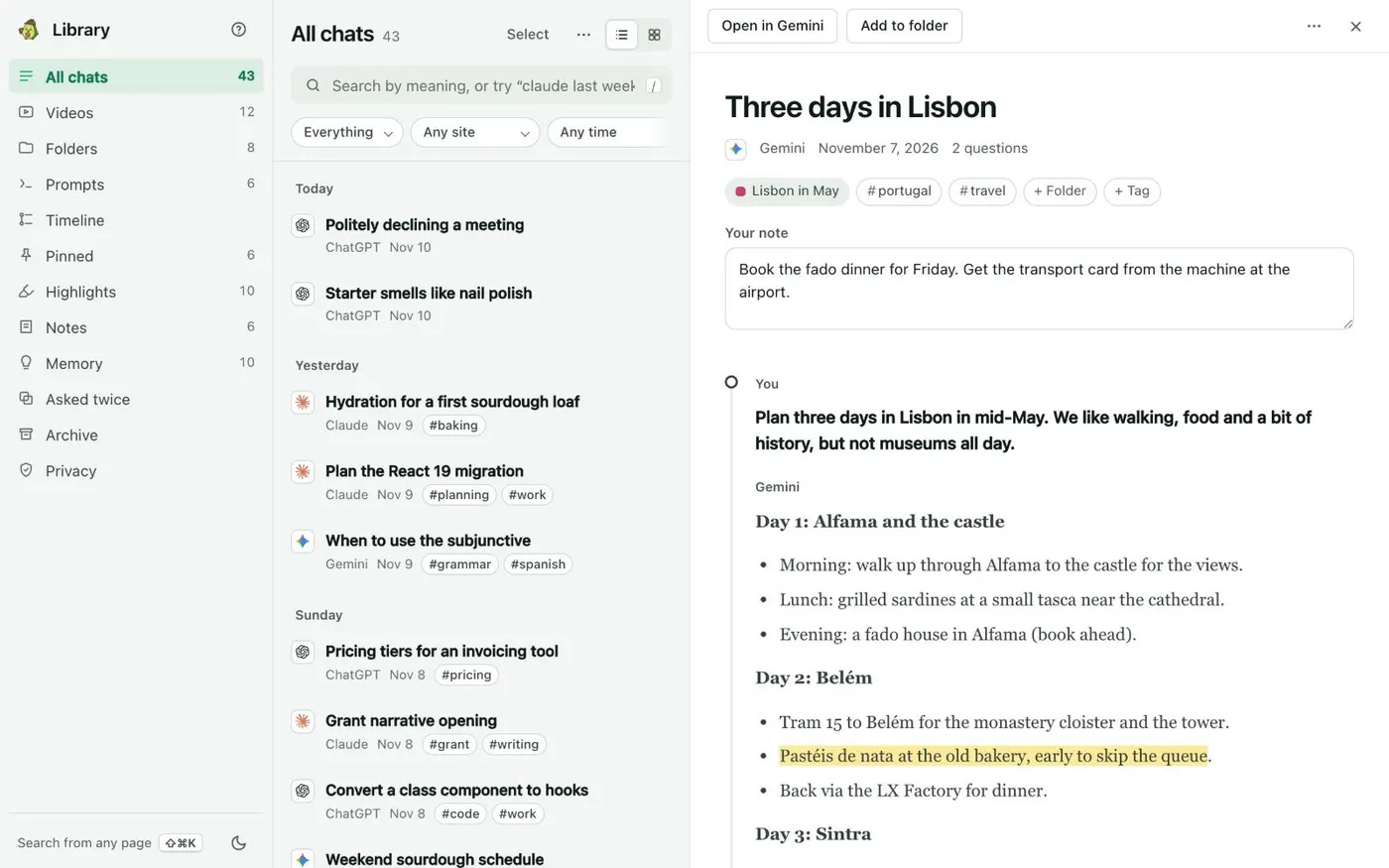
Include your email and sign-in method, the workspace, the rough date, and the checks you did. If it was deleted, a copy you saved earlier is the only way back. Kortex saves each ChatGPT chat on your computer.
A chat you delete on ChatGPT stays in your Kortex Library, if Kortex saved it first. Keep your own copy, before you need it.