Kortex, for Gemini Notebook, formerly NotebookLM, also keeps your AI chats in a Library on your computer. Here's how saving works. Nothing is saved until you say so.
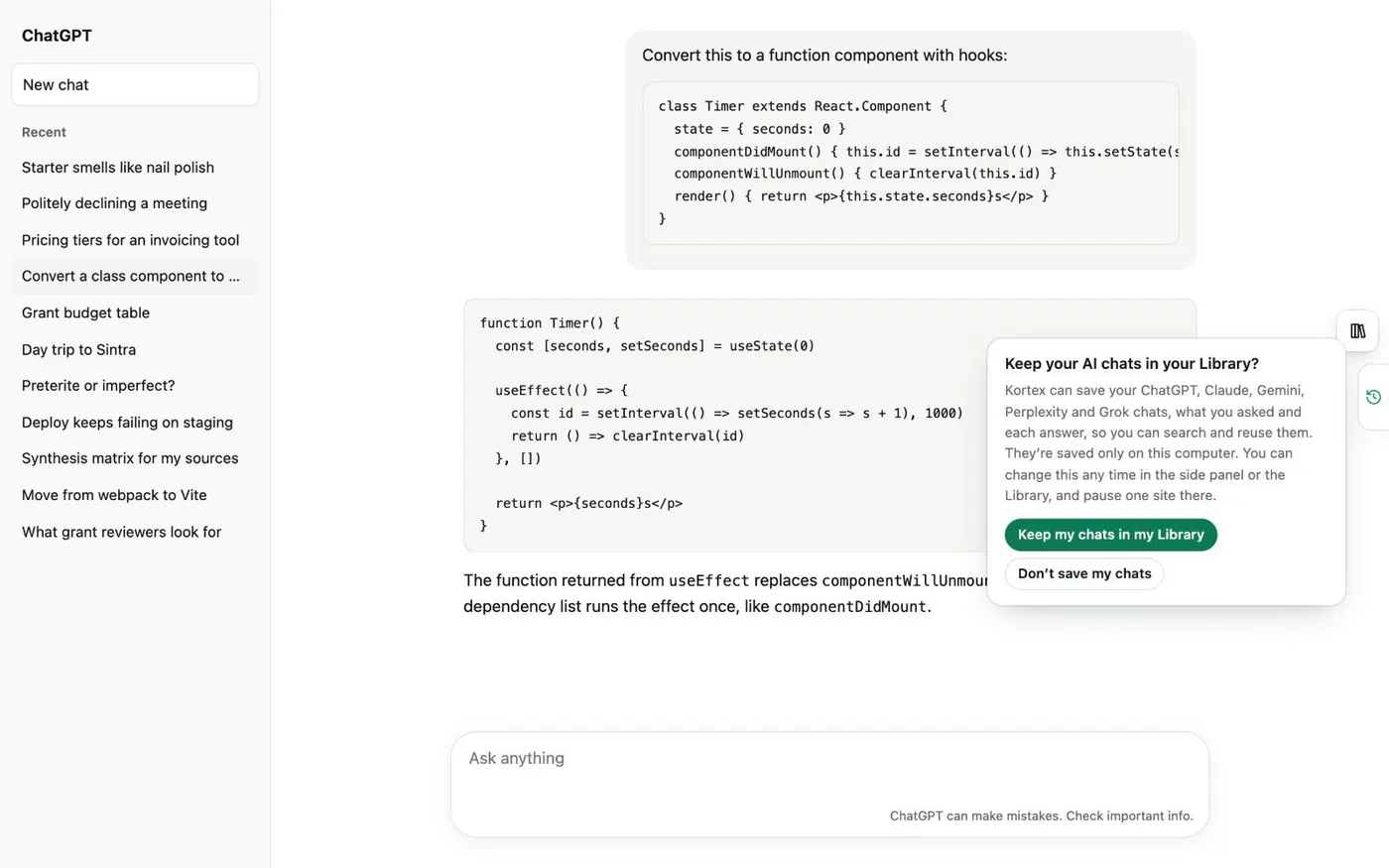
Kortex asks once. Click Keep my chats in my Library. From then on, ChatGPT, Claude, Gemini and Grok save in the background every few minutes.
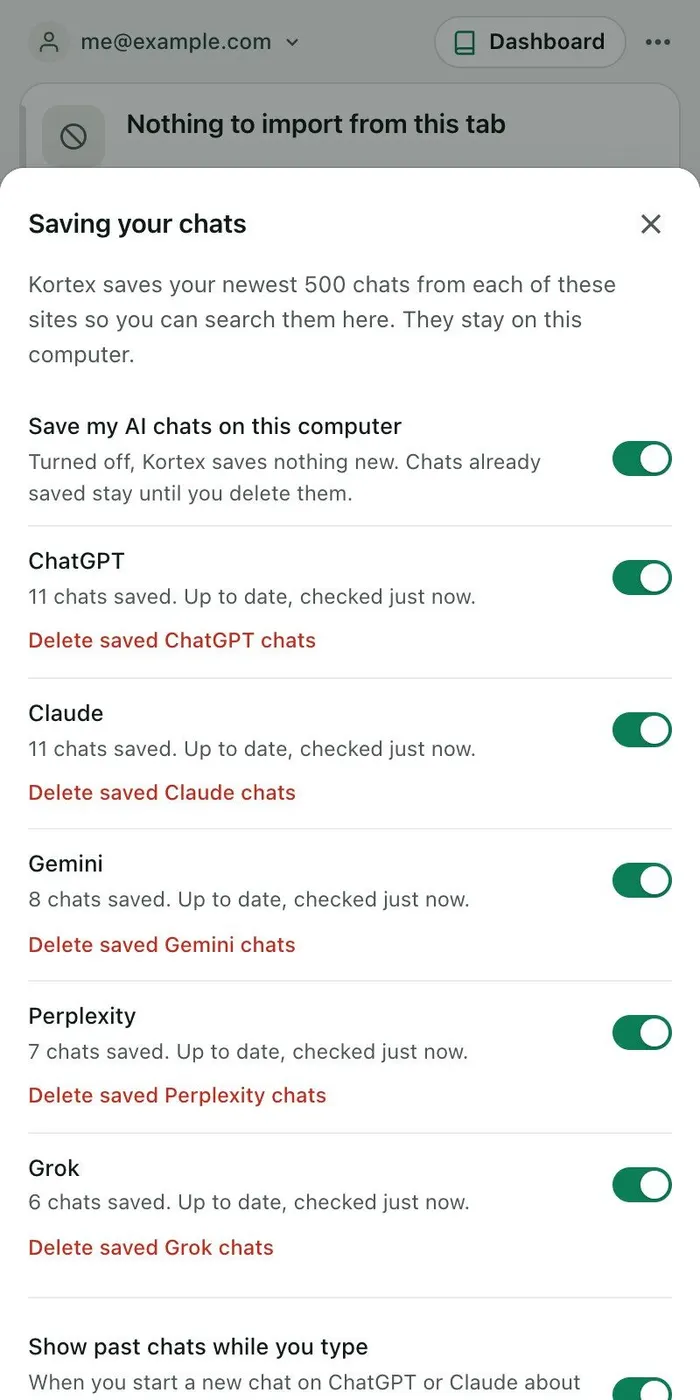
Perplexity saves while a Perplexity tab is open. Kortex reads each site's newest 500 chats. To check on saving, open the side panel's Chats tab and click the gear.
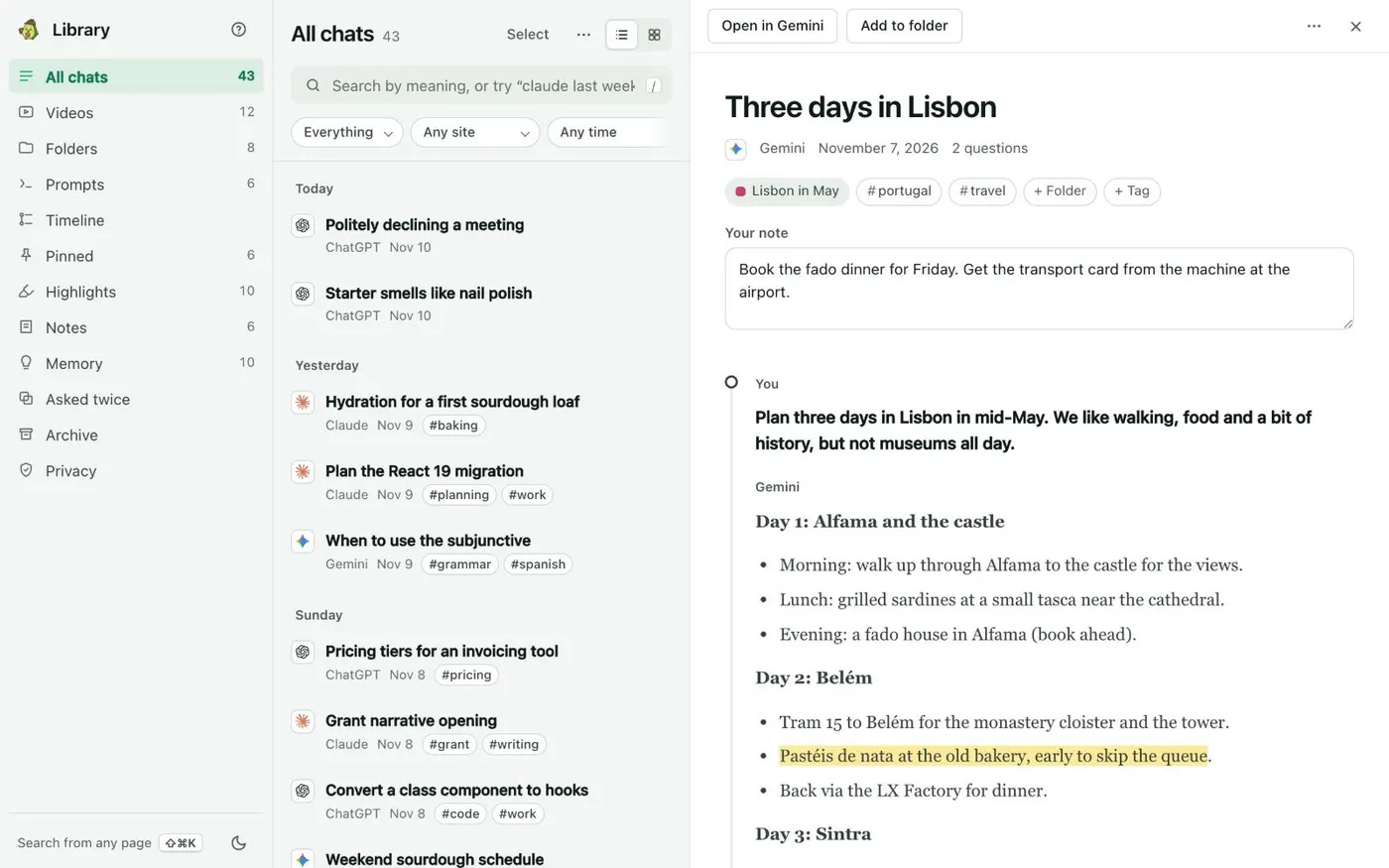
Saving your chats shows each site and how many chats it saved. A site's switch pauses just that site. On the AI site itself, the Kortex tab on the right edge holds the chat's folder, tags, your note and your pins.
Your chats stay on this computer. When you do send chat text, say to another AI, the Library's Privacy view lists it, without keeping the text. Say yes once, and every chat stays one search away.