Here's how to delete your history in the Gemini app on the web. One chat, a day, or all time. com.
If your chats are hidden, click Menu at the top. Hover over the chat, click More, then Delete. This also deletes it from Gemini Apps Activity, along with anything made in that chat, like Canvas docs and apps.
To delete more, click Settings & help, then Activity. Or go straight to the address on screen. Above your activity, click Delete.
Pick All time, Last hour, Last day, or a Custom range. By default, Google deletes activity older than 18 months. To change it, click the auto-delete option near the top of Activity.
Pick 3, 18 or 36 months, then click Next. To stop saving new chats, click Turn off near the top of Activity. Google still keeps chats for up to 72 hours, but they don't show in your Activity.
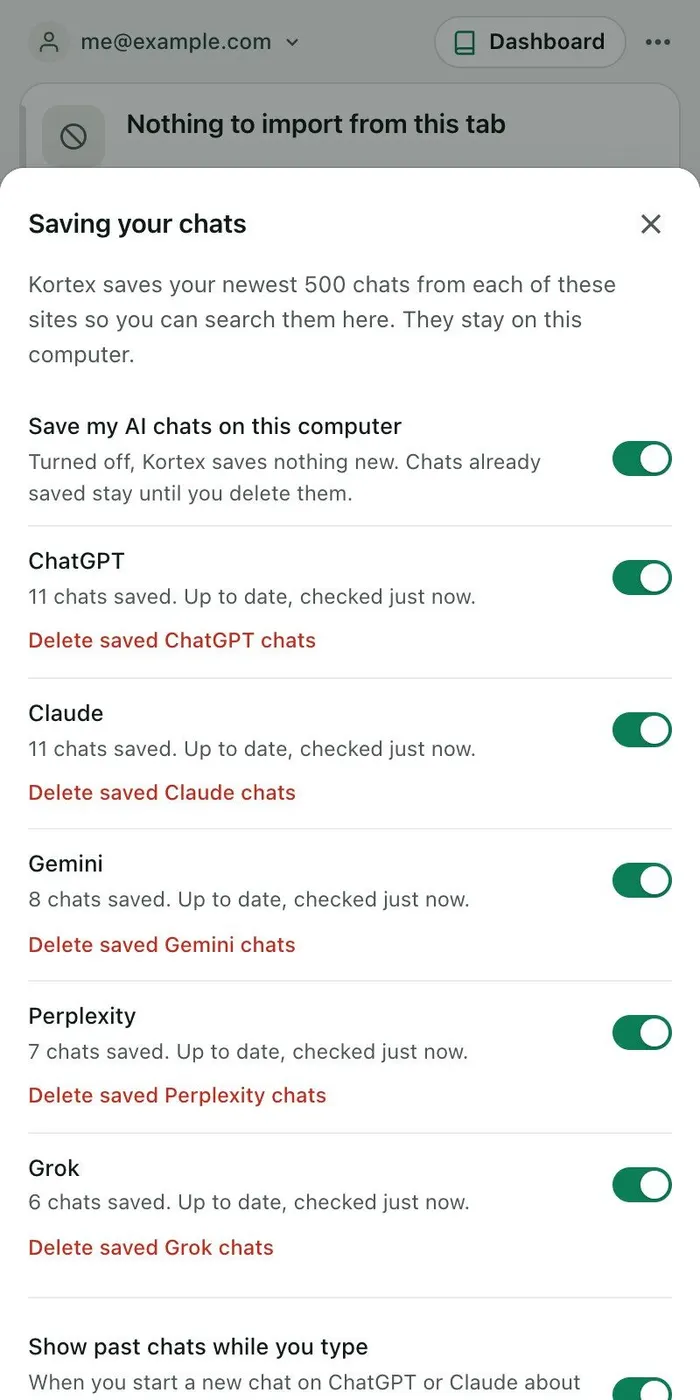
Deleting is final for what Google stores. Kortex can save your Gemini chats on your computer first. A chat you delete on Gemini stays in your Kortex Library.
Can't delete? On a work or school account, your admin controls this. The full tutorial has every step.