Here's how to delete your Perplexity history: one session, several, or all of them. Perplexity used to call these threads. Now they're sessions.
ai slash library. That's your History page, with every session you made while signed in. To delete one session, click the three dots beside it and choose Delete.
Perplexity asks you to confirm. To delete several, click Select on the History page, pick the sessions, then delete them. To delete everything, click the three dots at the top right of the History page, then Delete all sessions.
This can't be undone. Memories are cleared separately. Open Settings, then Memory, and click Manage memories.
Delete one with the trash icon, or use Clear all. To delete a Project, open it, click the three dots next to its title, and select Delete. To remove an uploaded file, delete its session.
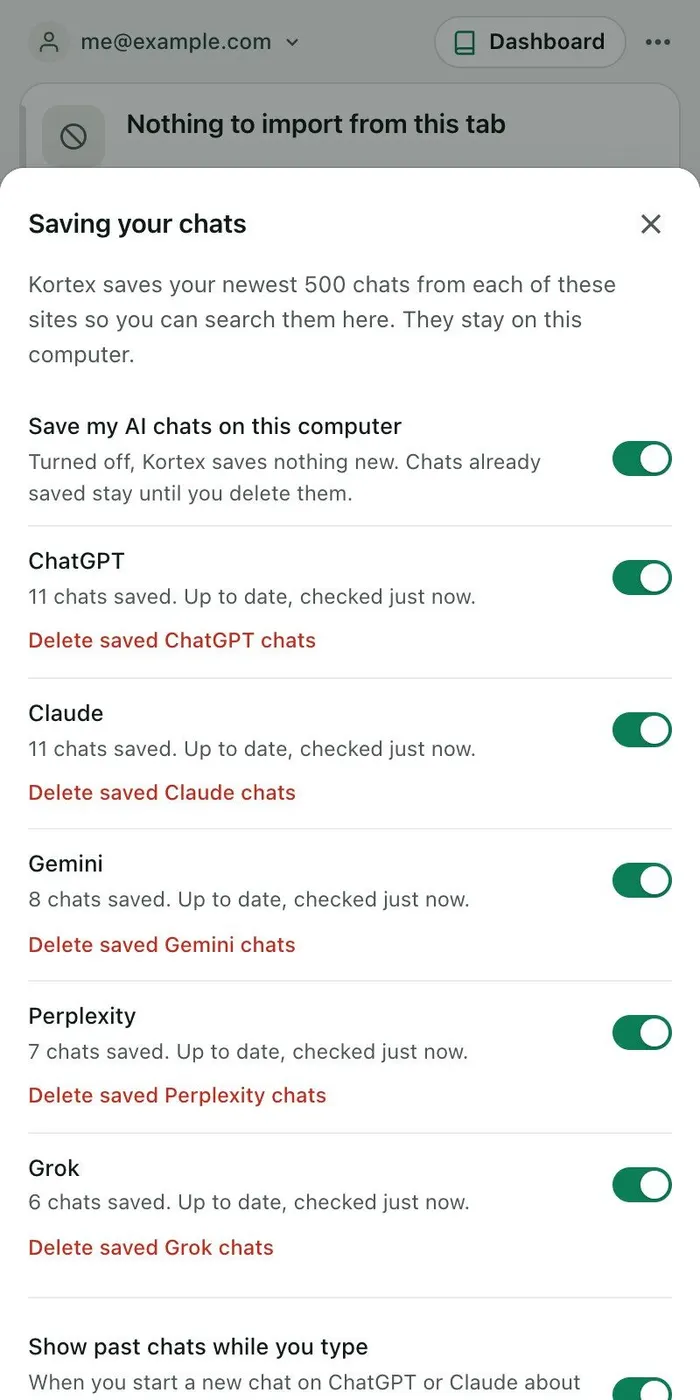
Want a copy first? Kortex can save your Perplexity chats on your computer, while a Perplexity tab is open. A chat you delete on Perplexity stays in your Kortex Library.
The full tutorial has every step, and the fixes.