Is Gemini Notebook (formerly NotebookLM) Safe and Private?
Is NotebookLM safe? Notebooks stay private, and Google won't directly train its models on them unless you send feedback, which it may keep up to 3 years.
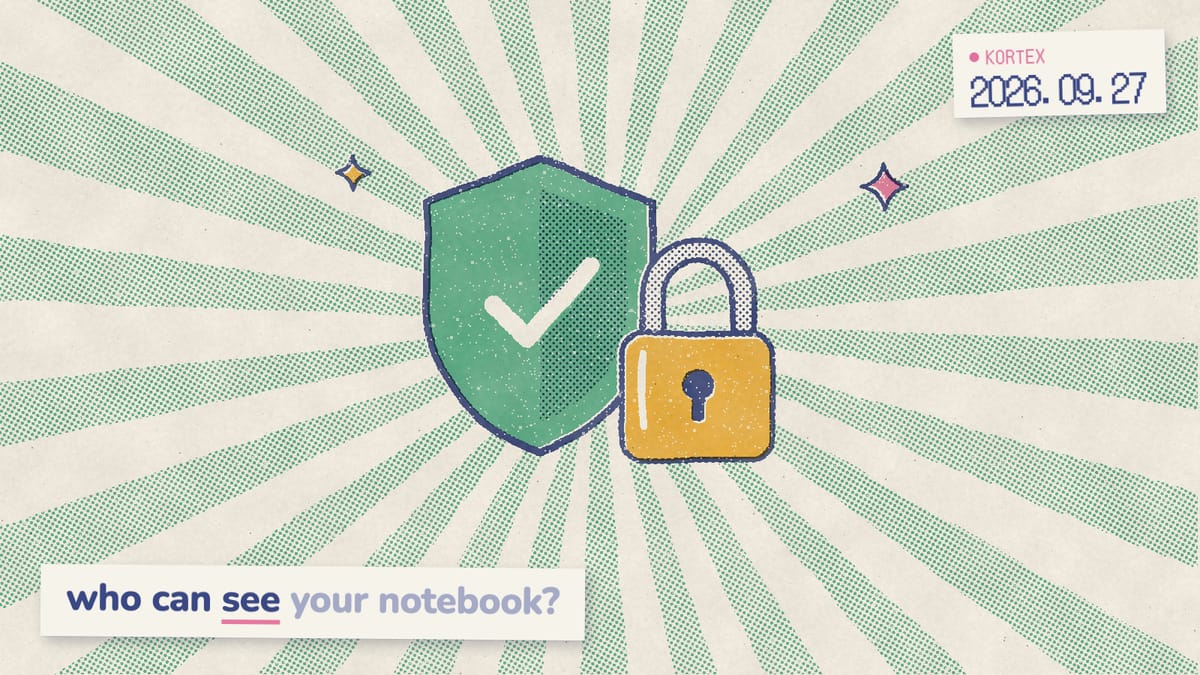
You’re about to upload a client contract or your thesis interviews. Then one question stops you: is it safe, and who else gets to read this? For Gemini Notebook (formerly NotebookLM), a notebook stays private until you share it or send feedback. There are, however, exceptions worth knowing. Below is what Google’s help pages say about training, human review, retention, sharing and deletion. We quote them exactly, then add rules for sensitive files.
Key Takeaways
- Gemini Notebook won’t use your content to directly train Google’s foundational AI models unless you send feedback (Gemini Notebook Help, 2026).
- Feedback can be read by trained reviewers and kept for up to 3 years.
- Notebooks stay private until you share them.
- Work and school accounts get stronger protections.
Does Gemini Notebook use your data to train AI?
Not directly, unless you send feedback. Here’s the exact line from Google’s help center: “The content in Gemini Notebook will not be used to directly train our foundational AI models, unless you choose to provide feedback” (Gemini Notebook Help, 2026). Your files, outputs and chat history, specifically, build your notebook’s knowledge base instead. Notice the word “directly”, though. Data that Gemini Notebook shares with other Google services, such as the Gemini app, follows the Google Privacy Policy and those services’ own notices, “including for product improvement” (Gemini Notebook Help, 2026). Google may also process your data “to prevent fraud, abuse, and technical issues” (Gemini Notebook Help, 2026). In other words, the promise covers model training, not every use of your data.
From our research into Google’s help pages while fact-checking this post, we found the real boundary isn’t the notebook. It’s the button you press. Chatting and generating inside notebook.google.com, for instance, stays out of direct training. Rating an answer, by contrast, moves that content under looser rules, and so does chatting with the same notebook in the Gemini app. Why does that line matter so much? Trust is thin. In a 2023 survey, 70% of Americans who had heard of AI said they had little or no trust in companies to make responsible decisions about how they use it (Pew Research Center, 2023). Regulators are watching, too. The US Federal Trade Commission has warned that quietly changing terms to start “using that data for AI training” may be unfair or deceptive (FTC, 2024). So it pays to know exactly where the line sits.
When can human reviewers see your notebook?
Feedback is the big exception. Rate a response, and Google collects “your prompts, customizations, sources, uploads, and the outputs received” (Gemini Notebook Help, 2026). That bundle is “retained for up to 3 years, disconnected from your Google Account”. Google uses it “to provide, improve, and develop Google products, services, and machine-learning technologies”. People read it, too. The first point on Google’s list is plain: “Reviewed by specially trained teams”. Google says human review helps it “identify, address, and report potential problems raised in feedback”, and it cuts the link to your account before reviewers see or annotate anything. Notably, that can include Gemini chats in your notebook’s context, “even if your Gemini Apps Activity is turned off” (Gemini Notebook Help, 2026). Feedback is therefore the one everyday action that hands notebook content to people at Google.
Google’s own advice is blunt: “Please help us by not including any confidential or sensitive information in your feedback”. Need to report a bad answer from a sensitive notebook? Recreate the problem in a scratch notebook with harmless sources, for example a public article. Then send the feedback from there.
Can other people see your notebooks?
Only you, until you share. A lock icon on the share menu means the notebook is private. A shared icon means specific people have access, and a globe means it’s public (Gemini Notebook Help, 2026). In addition, a personal account can share one notebook with up to 50 people (Gemini Notebook Help, 2026). Here’s what each setting allows.
| Setting | Who gets in | What they can do |
|---|---|---|
| Private (lock) | Only you | Everything. |
| Viewer | People you add by email | Read all the sources and notes you shared. |
| Editor | People you add by email | Add or remove sources and notes, and share further. |
| Public (globe) | Anyone with the link and a Google account | Open the notebook; shared artifacts open without signing in. |
Two details catch people out. Chat View is a sharing mode that hides sources, but it doesn’t fully lock viewers out. In Google’s words, Chat View “does not completely revoke a viewer’s underlying access to the notebook contents” (Gemini Notebook Help, 2026). Similarly, files you export to Docs or Sheets don’t keep the notebook’s sharing settings: “Sharing permissions do not carry over from Gemini Notebook to exported files”. Our guide on how to share a Gemini notebook walks through each option.
Are notebooks private in the Gemini app?
Your notebooks also appear in the Gemini app, and chats there follow the Gemini app’s rules. Google says those chats “are saved according to your Keep Activity settings and used as described in the Gemini Apps Privacy Hub” (Gemini Notebook Help, 2026). By default, that activity auto-deletes after 18 months (Gemini Apps Privacy Hub, 2026). That matters because the Gemini app allows human review: “A subset of chats are reviewed by human reviewers”. Importantly, reviewed chats are kept for up to three years, even if you delete your activity. Turning off Keep Activity helps, but only partly. If it’s off and you don’t submit feedback, Google “does not use your future chats to improve its AI models”. It still keeps those chats for 72 hours, however, and may use human reviewers to protect users (Gemini Apps Privacy Hub, 2026). Turning it off doesn’t delete anything stored in Gemini Notebook, either (Gemini Notebook Help, 2026).
Here’s the practical upshot. One notebook can sit under two policies at once. On notebook.google.com, it gets Gemini Notebook’s no-direct-training default. In the Gemini app, meanwhile, it gets the app’s human-review rules. Additionally, Gemini chats you add as context are visible to anyone you share with (Gemini Notebook Help, 2026).
The same logic applies to any assistant you connect. We built Kortex MCP, included with Kortex Pro and Lifetime, so you can ask your notebooks from Claude or ChatGPT. As a result, answers you pull into that chat follow Anthropic’s or OpenAI’s privacy settings, not Google’s. If that assistant is Claude Cowork, our Claude Cowork cloud vs local guide explains where your files go.
Is Gemini Notebook safe for work?
Work and school accounts get stronger promises. Google says their “uploads, queries and the model’s responses in Gemini Notebook will not be reviewed by human reviewers even when you provide thumbs up or down feedback”. That content also “will not be used to train AI models” (Gemini Notebook Help, 2026). Rated feedback from personal accounts, by contrast, can be kept for up to 3 years. The legal terms, similarly, differ. Qualifying work accounts fall under the Google Cloud Terms of Service, and school accounts use the Workspace for Education terms. Everyone else, meanwhile, gets the standard Google Terms of Service (Gemini Notebook Help, 2026). For a client file, that difference alone decides which account to use. Not sure which account a notebook lives in? Our Gemini Notebook login guide shows how to check and switch.
Alternatively, companies with strict rules can go further with Gemini Notebook Enterprise on Google Cloud. Data stays in your Cloud project, and notebooks can’t be shared publicly. It also supports VPC-SC, CMEK and data residency (Google Cloud, 2026). Our Gemini Notebook API explainer covers its APIs, and our business guide compares the options.
What happens to your data when you delete a notebook?
Deleting a notebook “removes the notebook and its sources, but Gemini conversations return to your main Gemini chat list” (Gemini Notebook Help, 2026). Two things survive: feedback you already sent, which stays for up to 3 years, and Gemini app chats, which follow your Gemini Apps Activity settings. Deletion is therefore thorough inside Gemini Notebook and partial everywhere else. Want a truly clean slate? Clear your Gemini Apps Activity too, if you chatted with the notebook there. Even then, chats a human already reviewed stay for up to three years (Gemini Apps Privacy Hub, 2026). In addition, export anything you want to keep first. Google’s FAQ is plain on this point: “there’s currently no way to recover deleted notes” (Gemini Notebook Help, 2026).
So the safest delete is one where a copy already sits on your own drive.
Export before you delete
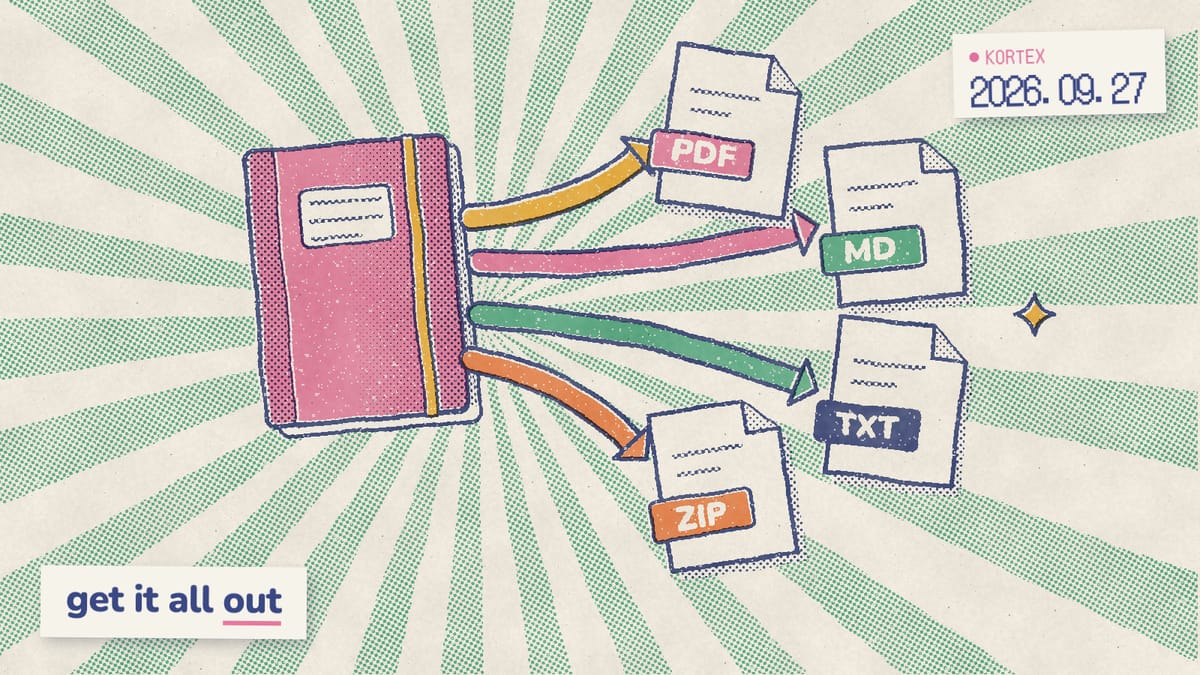
Kortex saves a notebook's sources, notes and chats as PDF, Markdown, text or ZIP in one click, so deleting a notebook never deletes your only copy. Free on Chrome.
7 rules for sensitive or confidential documents
Treat Gemini Notebook like a private cloud folder with a chat window attached. Google asks you to keep “confidential or sensitive information” out of feedback (Gemini Notebook Help, 2026), and it may process your data to prevent fraud and abuse. Accordingly, 7 habits keep sensitive files safer:
- Use a work account for client files. Its content isn’t reviewed by humans or used for training.
- Never rate answers in a sensitive notebook. Reviewers may read feedback.
- Check the share icon. A lock means private.
- Skip public links for private material. Anyone with the link and a Google account can open it.
- Untick Allow copies when you share. Otherwise people can duplicate the notebook, sources included.
- Keep sensitive notebooks out of Gemini app chats. Turning off Keep Activity doesn’t stop every human review.
- Redact before you upload. Cut details a question doesn’t need, such as names or account numbers.
Researchers handling interview transcripts, in particular, can apply the same checklist to our guide to research in Gemini Notebook. Is any of this overkill for lecture notes? Probably. For a client file, however, it’s the minimum.
How does Kortex handle your notebook data?
Kortex is a free Chrome extension for Gemini Notebook. We built it, so read this section as the maker’s view, and check our privacy policy (Kortex privacy policy, 2026). It says Kortex doesn’t save your chat conversations on its servers or store the underlying documents in your Gemini Notebook sources and notebooks. Chats you transfer are handled in memory and pass from your browser to the destination account. It does, however, store some things. Saved prompts, notes you write in Kortex, tags, folders and collection names sync to a private Firestore account. The policy is frank about the rest, too. While enabled, the extension may read page context on active tabs, minus password fields. Unless you opt out in Kortex’s settings, that data may be used for AI training or licensed to third parties.
That said, the policy adds that the training program may not be operating, and that in that case the section describes the intended practice. Personal information is kept for two years after collection, and it isn’t provided to advertising networks for targeted advertising. Two Kortex features fit the habits above. For example, the account switcher keeps work and personal Google accounts apart, and export saves every source as PDF, Markdown or ZIP before you delete a notebook.
Gemini Notebook keeps notebooks private by default; the real risks sit in feedback, sharing and the Gemini app. Consequently, a clean split between accounts, and a copy you control, covers most of the rest.
Keep work and personal notebooks apart
Kortex switches between Gemini Notebook accounts in one click, so client files stay on your work account, and exports a copy of every source before you delete. Free on Chrome.
Frequently asked questions
Is Gemini Notebook safe to use?
For most files, yes. Notebooks are private until you share them, and Google says content won’t be used to directly train its foundational AI models unless you send feedback (Gemini Notebook Help, 2026). The risks sit in feedback, which trained reviewers may read and keep for up to 3 years, public links, and chats in the Gemini app.
Does Gemini Notebook use my data to train AI?
Not directly, unless you give feedback. Google says content in Gemini Notebook won’t be used to directly train its foundational AI models unless you choose to provide feedback. Data shared with other Google services, such as the Gemini app, follows those services’ notices, which can include product improvement (Gemini Notebook Help, 2026).
Can Google employees read my notebooks?
Yes, in two situations Google documents. Trained reviewers see notebook content when you send thumbs up or down feedback, which can include prompts, sources, uploads and outputs, and reviewed feedback is kept for up to 3 years. Gemini app chats with a notebook can be reviewed too, and turning off Keep Activity only stops review for improving Google services.
Is a Gemini notebook private by default?
Yes. A new notebook is private and shows a lock icon on its share menu. It stays private until you add people by email, up to 50 on a personal account, or create a public link. Viewers get read-only access to all the sources and notes you share.
Is Gemini Notebook safe for confidential information?
It’s safer on a work or school account. For Workspace and Workspace for Education users, uploads, queries and responses aren’t reviewed by humans or used to train AI models, even with feedback. For regulated data, Gemini Notebook Enterprise keeps files in your Google Cloud project and supports VPC-SC and CMEK.
What happens to my data when I delete a notebook?
Deleting a notebook removes it and its sources, and linked Gemini conversations return to your Gemini chat list. Deleted notes can’t be recovered. Feedback you already sent stays for up to 3 years, disconnected from your account, and Gemini app chats follow your Gemini Apps Activity settings.
Editorial note: fact-checked against the official help pages and docs linked above on October 26, 2026. Spotted something out of date? Contact us and we will fix it, or read more about Kortex.