# Kortex Free and Pro Plans: What You Get
Kortex has a free plan, called Basic, and a paid plan called Pro. The free plan allows 10 imports into Gemini Notebook (formerly NotebookLM), 10 exports and 3 Capture as PDF a day. Pro removes those limits and adds more tools.
 ## What do I get without paying?
You may wonder what you get without paying. Think of the free plan as a library card with a daily borrowing limit. Pro is a card with no limit. Prices are on the [pricing](https://www.kortex-notebooklm.com/#pricing) page.
## What does the free plan include?
The free plan is called **Basic** inside Kortex. These are its limits:
- **Imports into Gemini Notebook (formerly NotebookLM):** 10 a day. Every kind of import counts: a page, a chat, a highlight, a chat sent from the Library.
- **Exports:** 10 a day.
- **Capture as PDF:** 3 a day.
- **Saved prompts:** 10 in all.
- **Folders:** 5 of each kind.
- **Saved source views:** 5.
- **Notebook merges:** 3.
The daily counts start again at midnight UTC. A free account also gets 3 Pro previews a day, to try a Pro feature before you decide.
## How to see what is left today
1. Click the Kortex icon to open the side panel.
1. Click the **Limits** tab. It only shows on the free plan.
1. Read the bars for **Imports**, **Exports**, **Source views** and **Prompts**.
## What does Pro add?
Pro means no limits on the numbers above. It also turns on:
- The dashboard views Now, Manage Space, Compare, Agents, Automation, Workflows, Podcasts and templates.
- Sync Google Docs, and the Domain Router that picks a notebook for you.
- Prompts, tags, notes and templates kept in step across your computers.
- In the chat Library: downloading a folder or a selection at once, saving everything to Notion, folder rules, and sending a folder to a notebook.
- Kortex MCP, which lets an AI assistant work in your notebooks.
Pro also opens your whole chat Library. The next part explains the split.
## The chat Library on each plan
The Library keeps your AI chats on your computer. Saving is free and has no limit. Every chat you keep stays saved, whichever plan you are on.
**The free plan uses the last 30 days of your Library.** Here is what you get:
- Save every chat from every AI.
- Search, read and open anything from the last 30 days.
- 20 highlights, 20 pins, 10 notes, 25 Memory facts and 5 chat folders.
- 3 asks a week to Ask my chats, and 3 moves a week. A move carries context into another AI with `;ref`, `;pack`, `;me` or **Continue in another AI…**.
- Suggestions, the weekly recap and Your year in AI.
- Downloading one chat at a time, even an older one.
The free plan does not search from any page, and it does not add older chats from export files.
**Pro opens your whole history.** That means search and reading with no 30-day window, no limits on the numbers above, search from any page, adding older chats from export files, and moving context between AIs as often as you like.
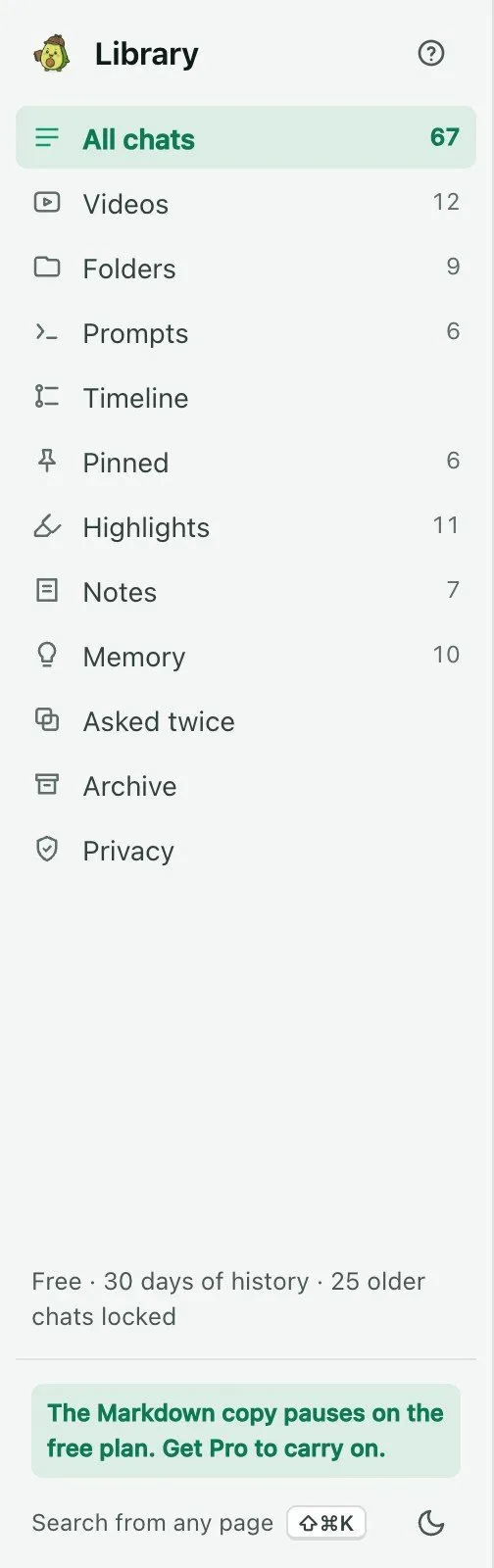 ### What "locked" means
Nothing you save is ever deleted. When something is older than 30 days, the free plan **locks** it. Think of a photo album with the older pages taped shut. You can see the album is there. You can see the date on each page. You can't open the pages. Pro peels the tape off, and every page opens at once.
 A chat you carry on in its AI site comes back inside the 30 days by itself.
### The 7-day trial
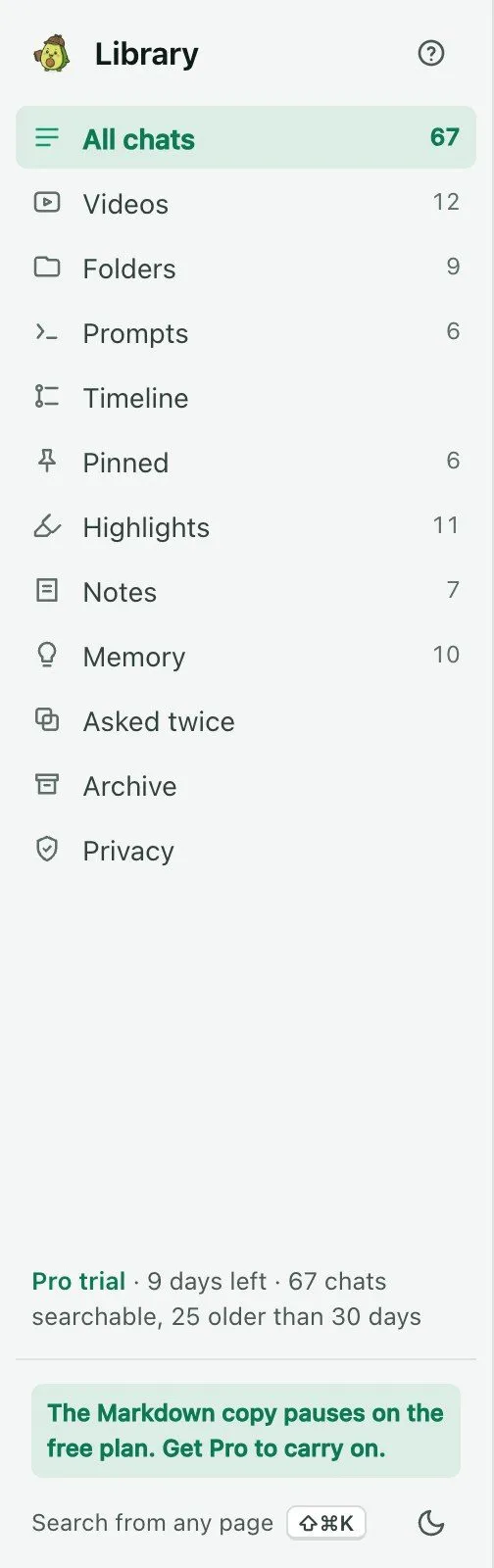
The first time you click **Keep my chats**, you get 7 days of the full Library. Everything is open. A quiet line at the top shows how many days are left. Before it ends, Kortex tells you what will lock. When it ends, you are on the free plan. Nothing is deleted.
 More in [the chat Library](/docs/chat-library#on-the-free-plan-and-the-trial).
:::info Good to know
- Lifetime Pro and AppSumo accounts get everything Pro gets.
- Nothing else that is free today becomes paid. The chat Library is new, so its free plan is set from the start.
- Kortex never treats an account as free just because it could not read your plan yet.
:::
## What happens if I reach a limit?
Kortex shows a short message saying the limit for the day is used. Wait until midnight UTC, or upgrade from the **Upgrade** button at the top of the side panel. See the [pricing](https://www.kortex-notebooklm.com/#pricing) page for the plans.
## Related pages
- [The side panel header and menu](/docs/side-panel-settings)
- [FAQ](/docs/faq)