# Auto-File NotebookLM Notebooks by Tag
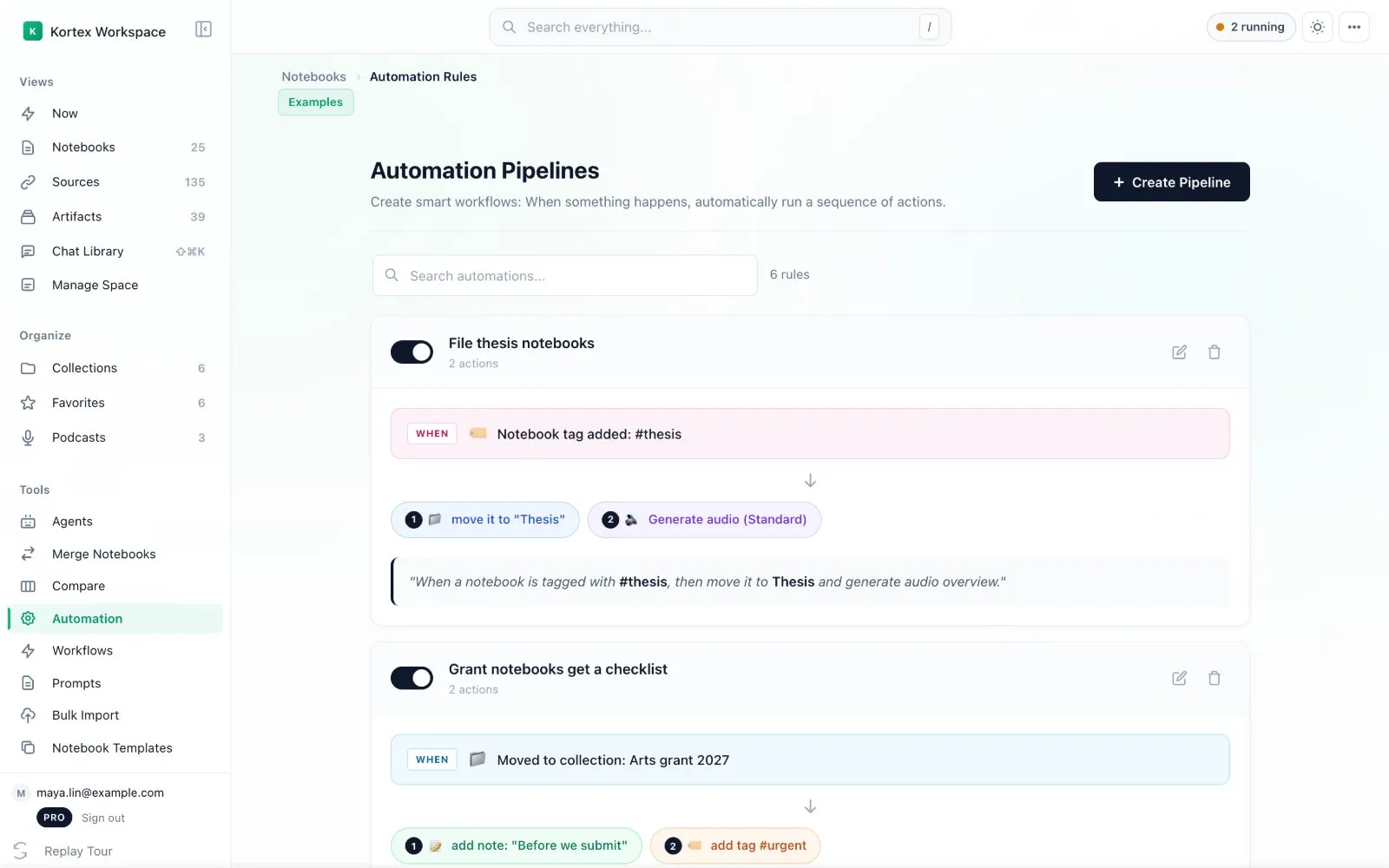
Smart Sort moves a Gemini Notebook (formerly NotebookLM) notebook into the right collection as soon as you give it a tag. You build it in Kortex Automation with the trigger **Notebook tag added** and the action **Move to collection**.
This needs Kortex Pro. See [pricing](https://www.kortex-notebooklm.com/#pricing).

 ## Why use Smart Sort?
It is like a mail sorter. You stick a coloured label on a letter, and it drops into the matching tray by itself.
- Tagging becomes filing. You do one thing, not two.
- Notebooks always land where they belong.
- You drag and drop much less.
## How do I set it up?
1. Open **Automation** in the dashboard and click **Create Pipeline**.
1. Name it, for example "File thesis notebooks". Press **Next**.
1. For the trigger, click **Notebook tag added**. Choose your tag in the **Select Notebook Tag** box. Press **Next**.
1. For the action, choose **Move to collection** and pick the collection.
1. Press **Next**, check the summary, and save.
## Example
- Trigger: the tag `#biology` is added.
- Action: move the notebook to the collection _Science_.
Now when you tag a notebook `#biology`, it jumps into _Science_.
:::tip Good to know
- Older versions of Kortex had a separate Smart Sort screen. Today it is simply a pipeline built in the same wizard as every other rule. If you had a Smart Sort rule before, Kortex moved it into a pipeline once, named after the old type.
- You can add more actions to the same rule, such as making an Audio Overview after the move.
:::
## What other triggers can I use?
A rule can start when a notebook tag or a source tag is added, when a notebook moves to a collection, or when its title contains some text. A trigger can also need a minimum number of sources. Rules run in the background whenever Chrome is open.
Related: [Automation Rules](/docs/automation-rules), [Collections](/docs/collections), [The Escalator](/docs/automation-escalator).